Delivery
Once the prototype had been signed off by me and I was happy that all the user journeys I had worked on were working, I handed the design over to the AI.
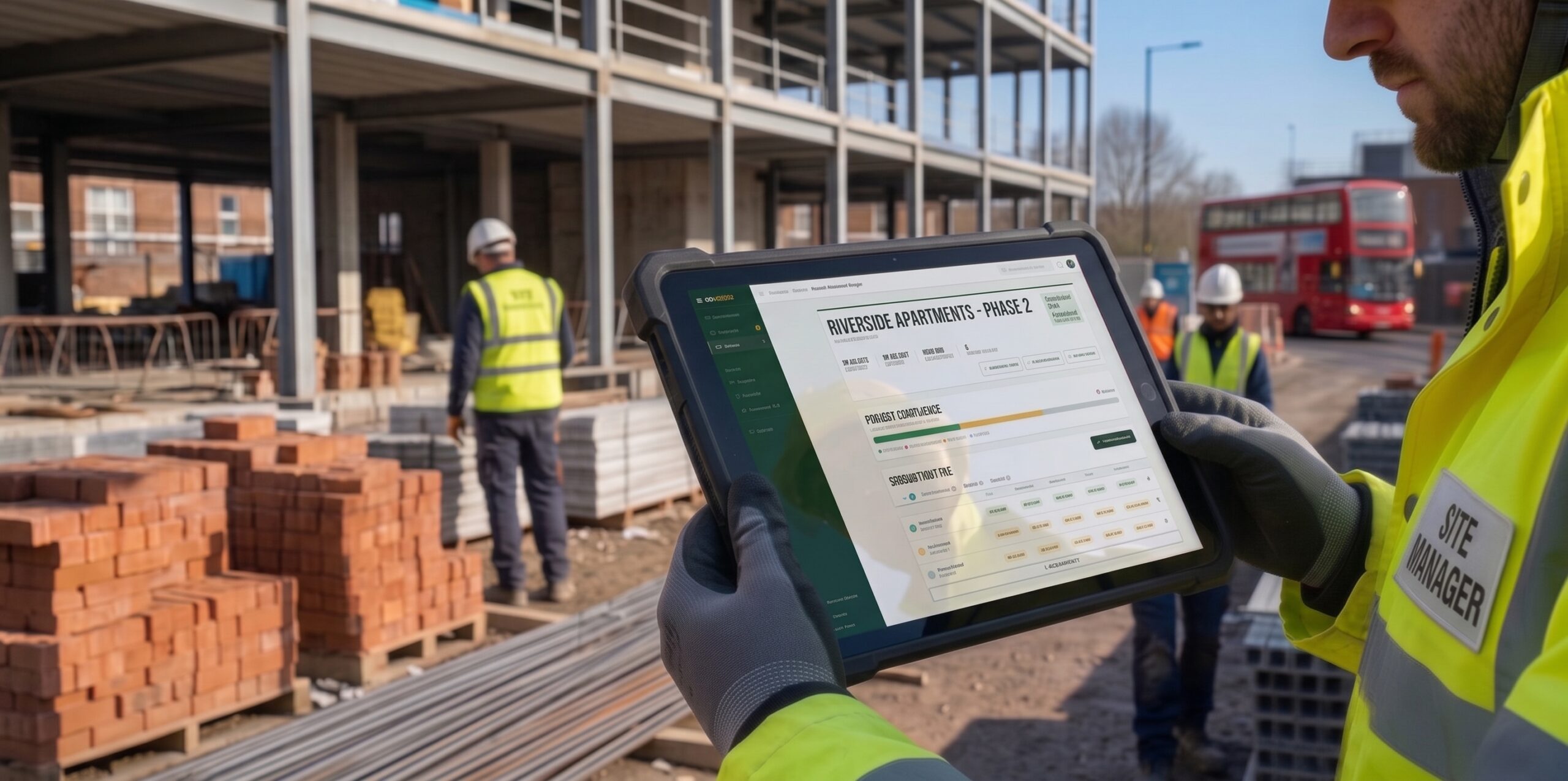
Given that I was designer and developer, the handover to development was blurred after the 50-page prototype from the earlier stages of the double diamond. It was for this reason that design finessing happened in the later stages, while the earlier stages were about creating a basic working demonstration of the project. This was an experiment in how far AI could go and how workflow would change, and the crossover was the biggest part of that.
Handing over the design to the AI gave the opportunity to dive deep into all the user stories, edge cases and QA that would have been time consuming manually. By automating this process systematically, I was able to more thoroughly document user stories and edge cases I had not accounted for.
Once the prototype had been signed off by me and I was happy that all the user journeys I had worked on were working, I handed the design over to the AI.
Once everything was documented and the objectives of the site were fully fleshed out and communicated clearly, the database could be set up. We could then begin to stress-test and discuss the site, and work out in great detail what was missing and needed.
The AI was able to assess the site and come up with suggestions for edge cases and scenarios I had missed. This was vital in documenting the understanding of the site.
Whilst my list of user stories ran to 200, I got the AI to document much more thoroughly, so everything on every page had a documented reason for being there and thus helped in communicating what the site did and why. In total there were 3,500 user stories, which proved invaluable later on for QA.
Knowing the stories and journeys that needed completing, we needed a set of visual and technical acceptance criteria to validate each one against.
The full process was highly iterative. Whilst these were the steps I took, I looped with the AI to ensure that I didn't miss things and that each new feature or story didn't go undocumented. The first setup of the database took some clarification and allowed the AI to understand the site better, so later steps were easier: looping back clarified and communicated more details, and development evolved.
With everything done and the design at a satisfactory level, there were a huge number of user stories, journeys and QA items to do manually, so using the thorough documentation I had amassed, I set a series of agents in motion to process and confirm all stories and journeys were functioning correctly.
AI is a tool, it's not a replacement. Too much reliance on it will lead to mistakes and high error rates
— Me after the AI case study
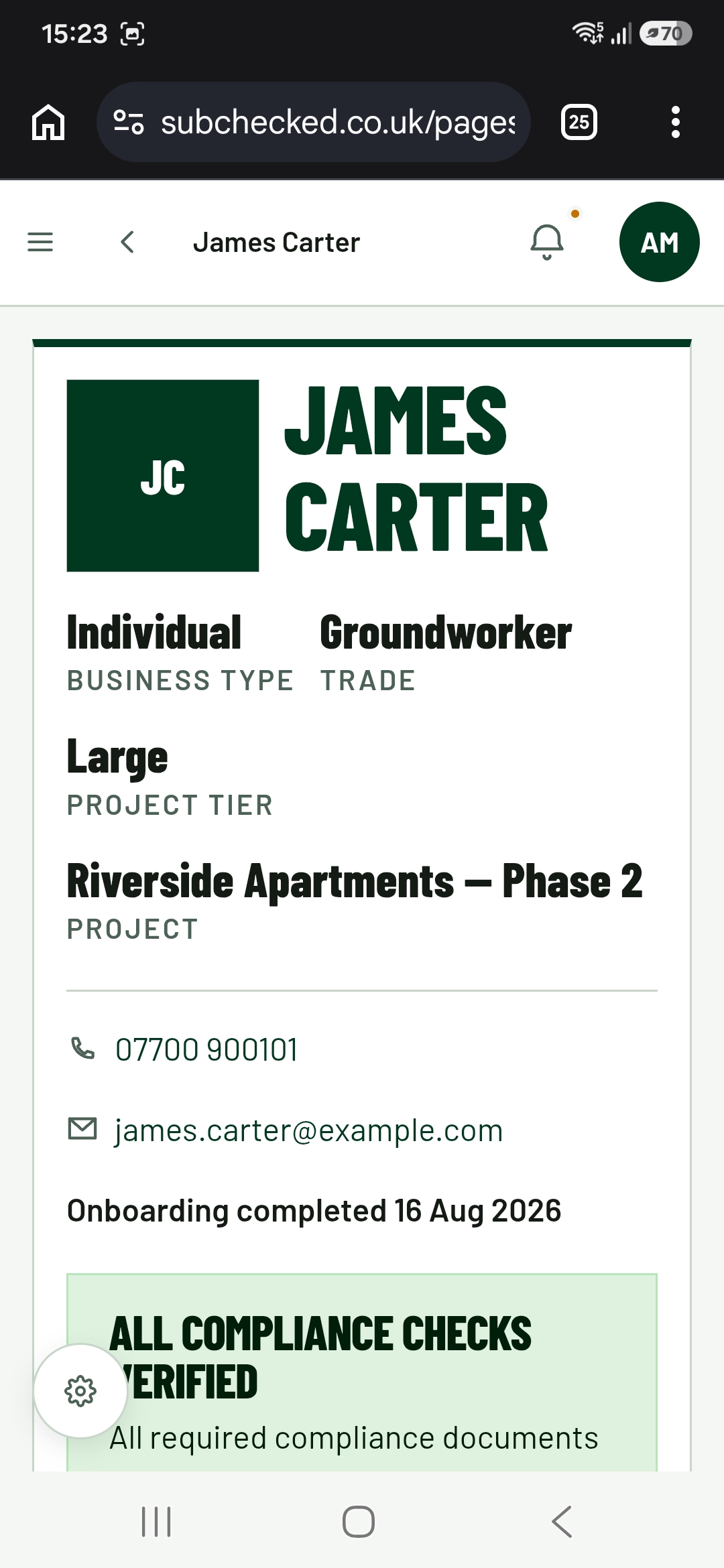
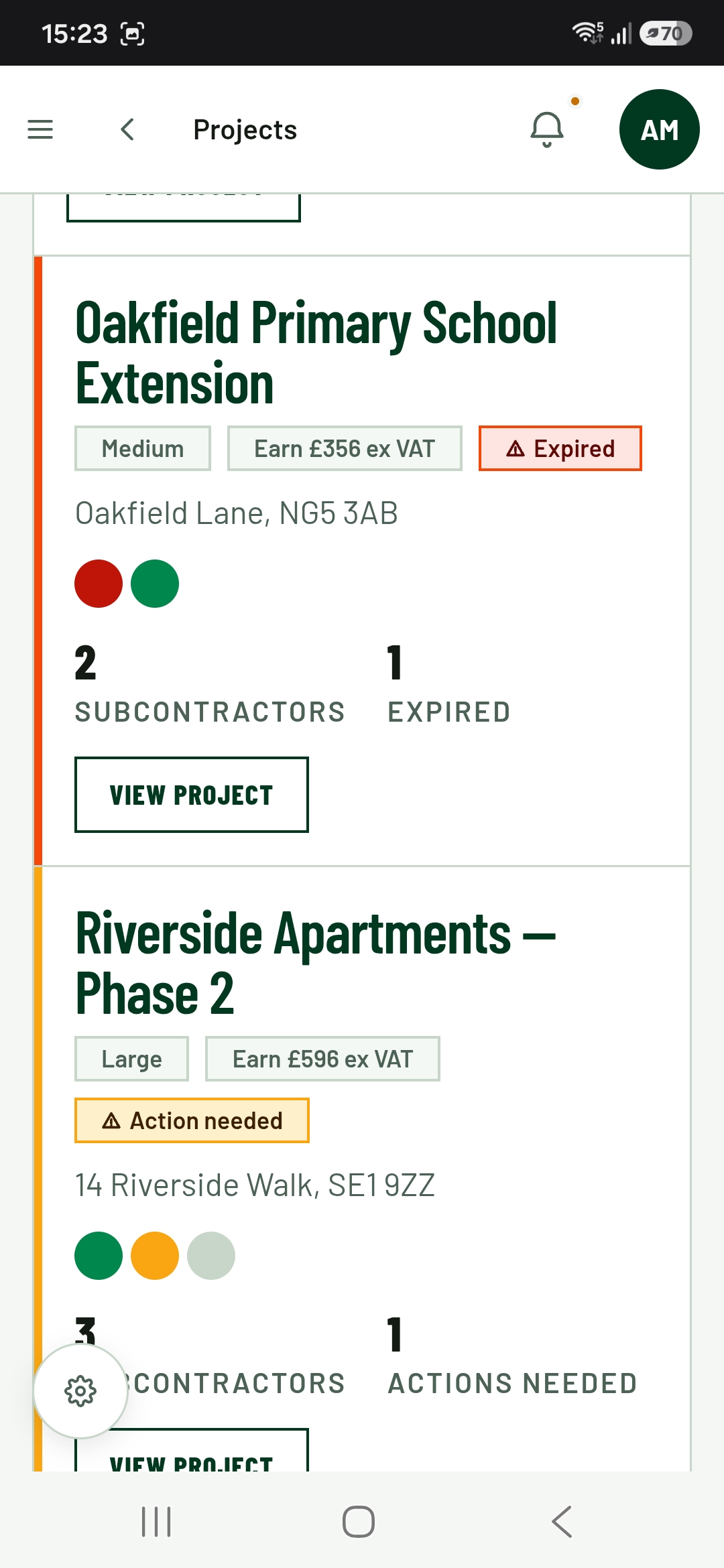
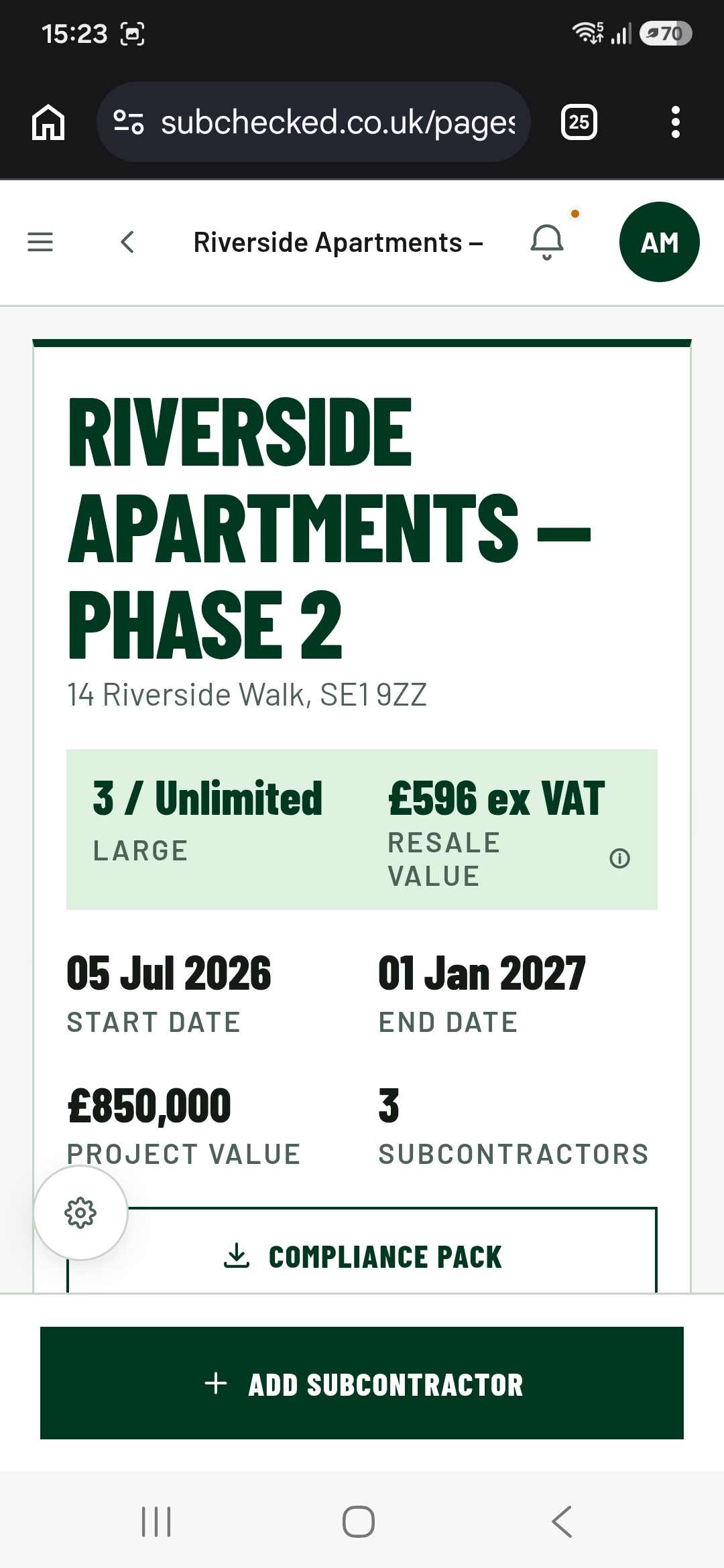
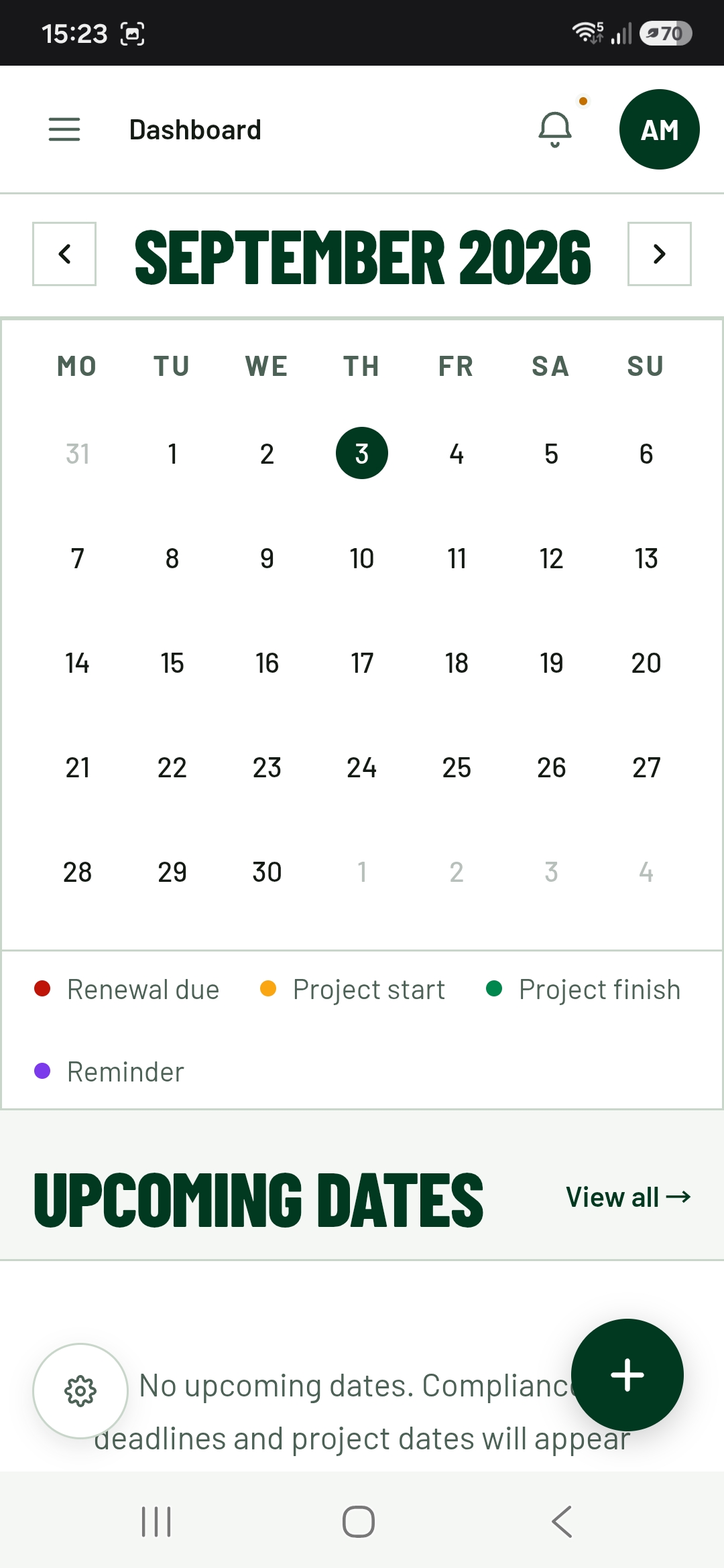
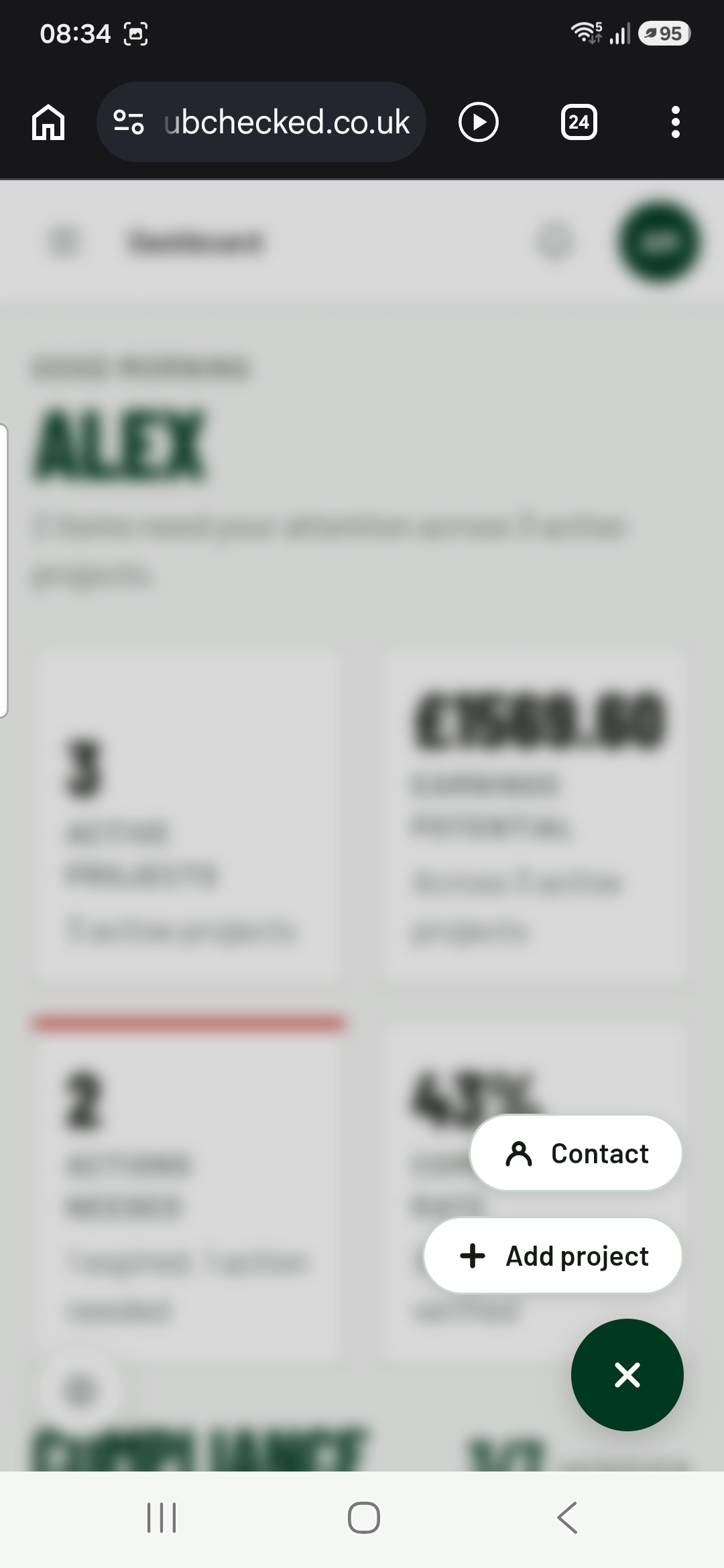
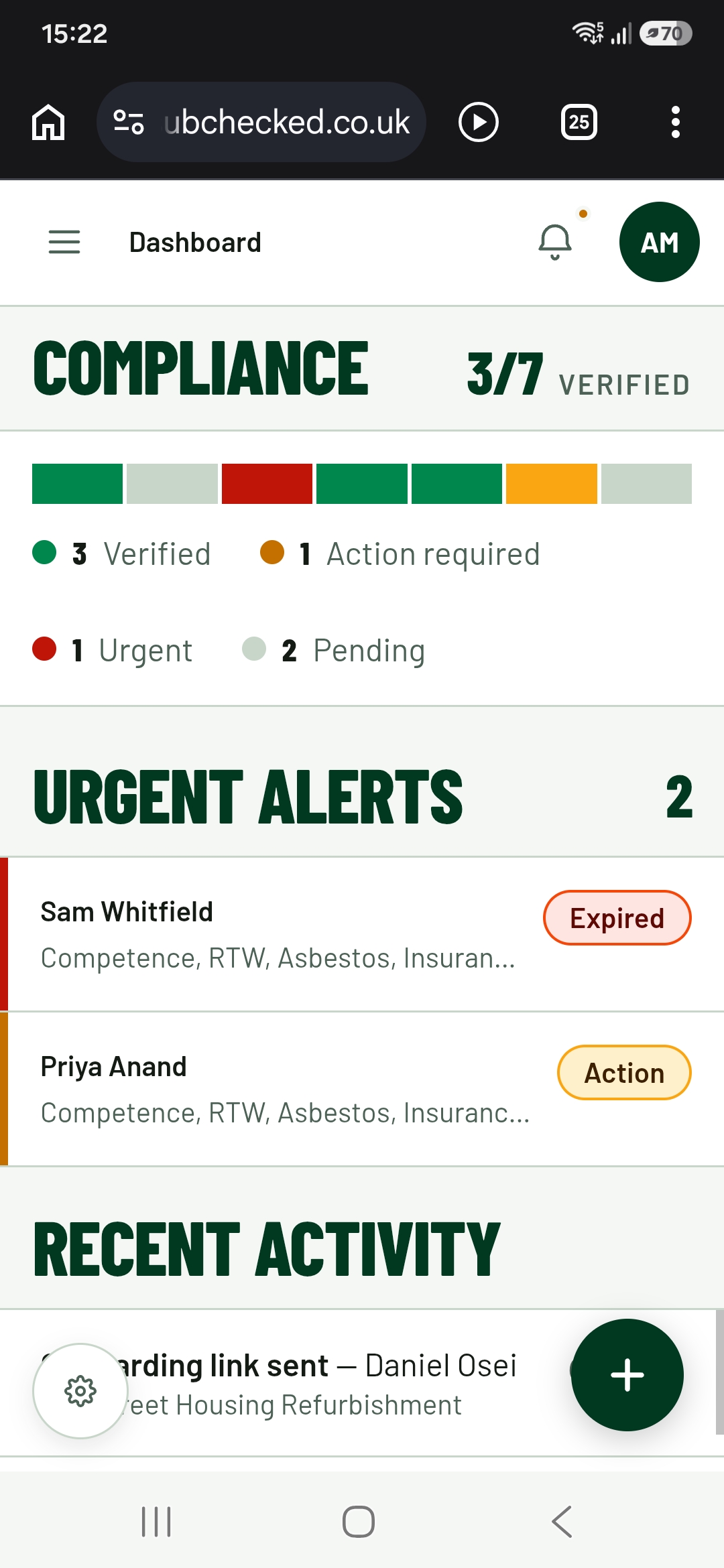
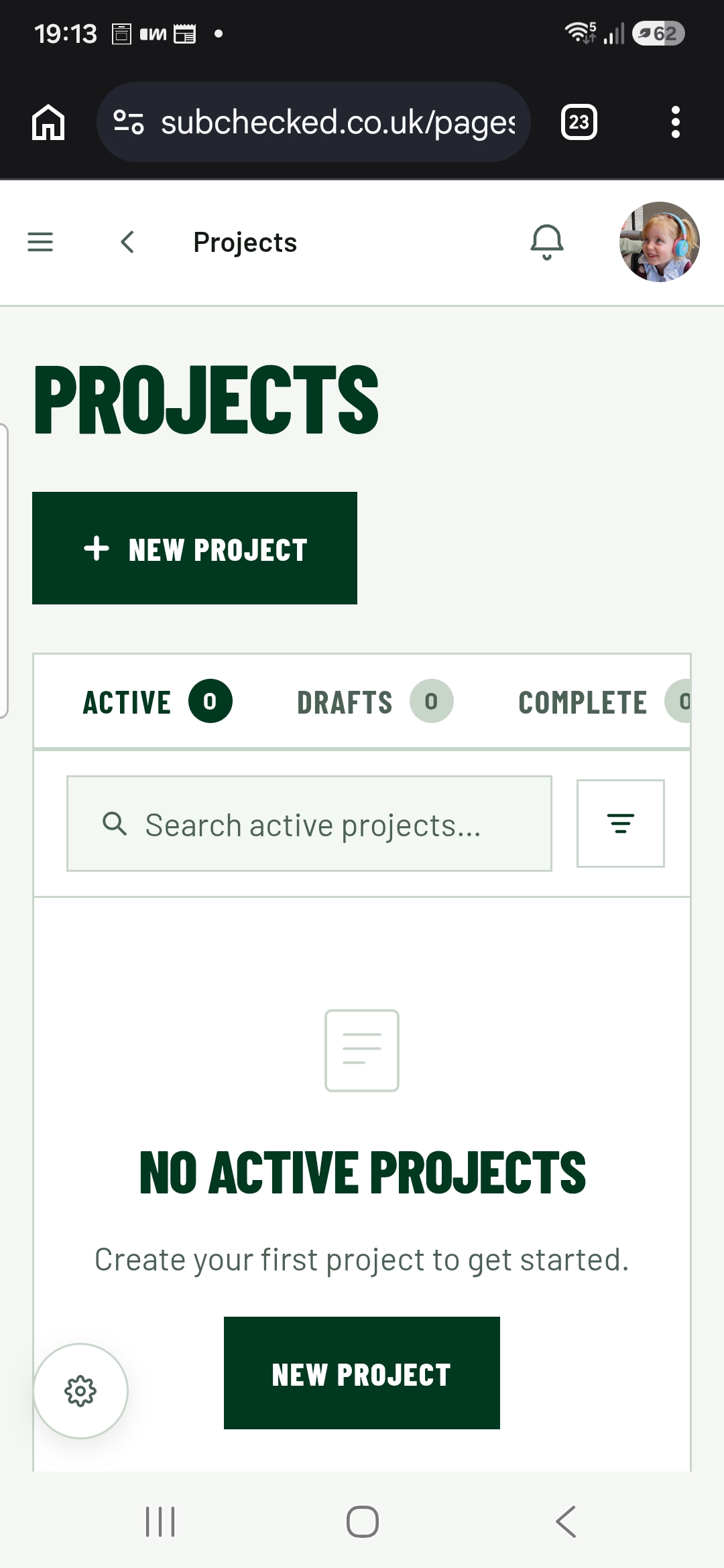
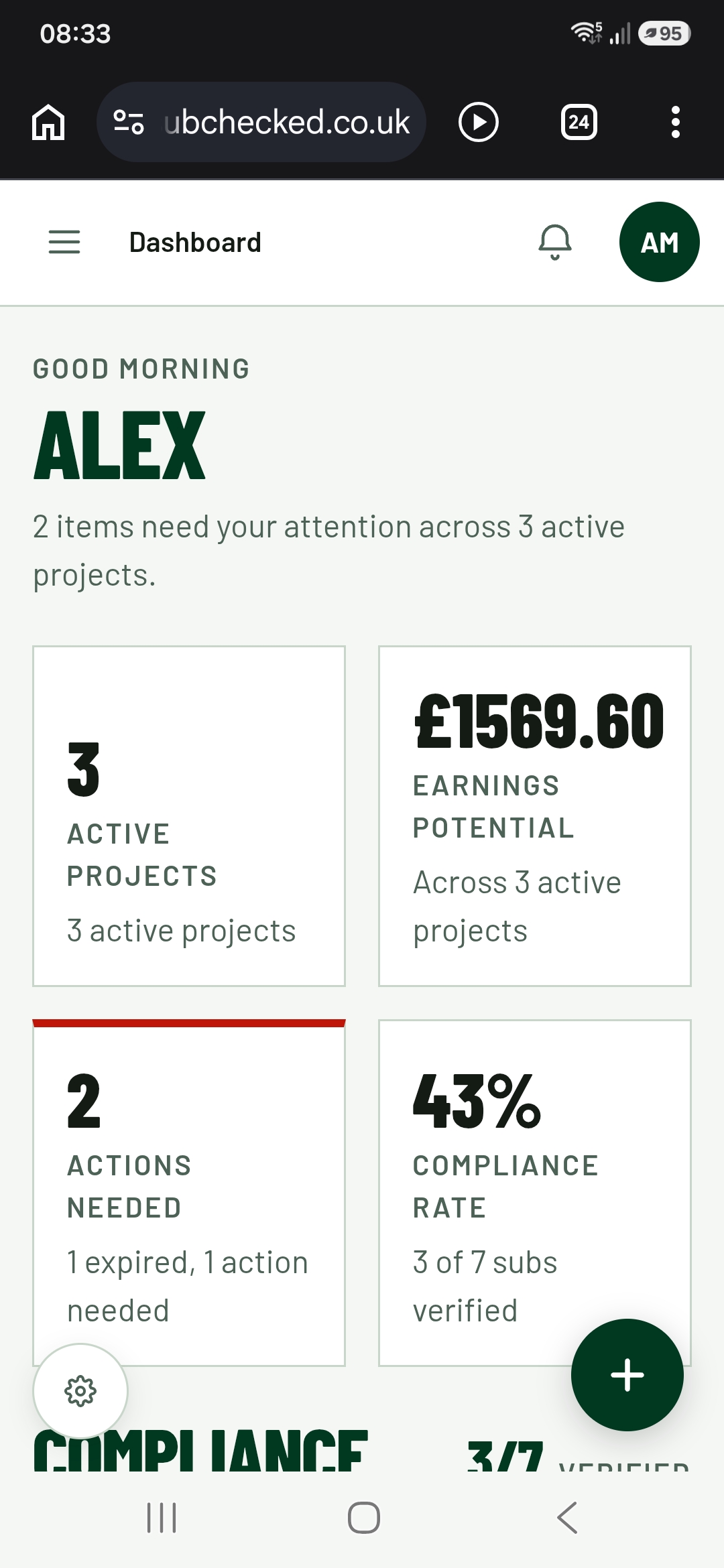
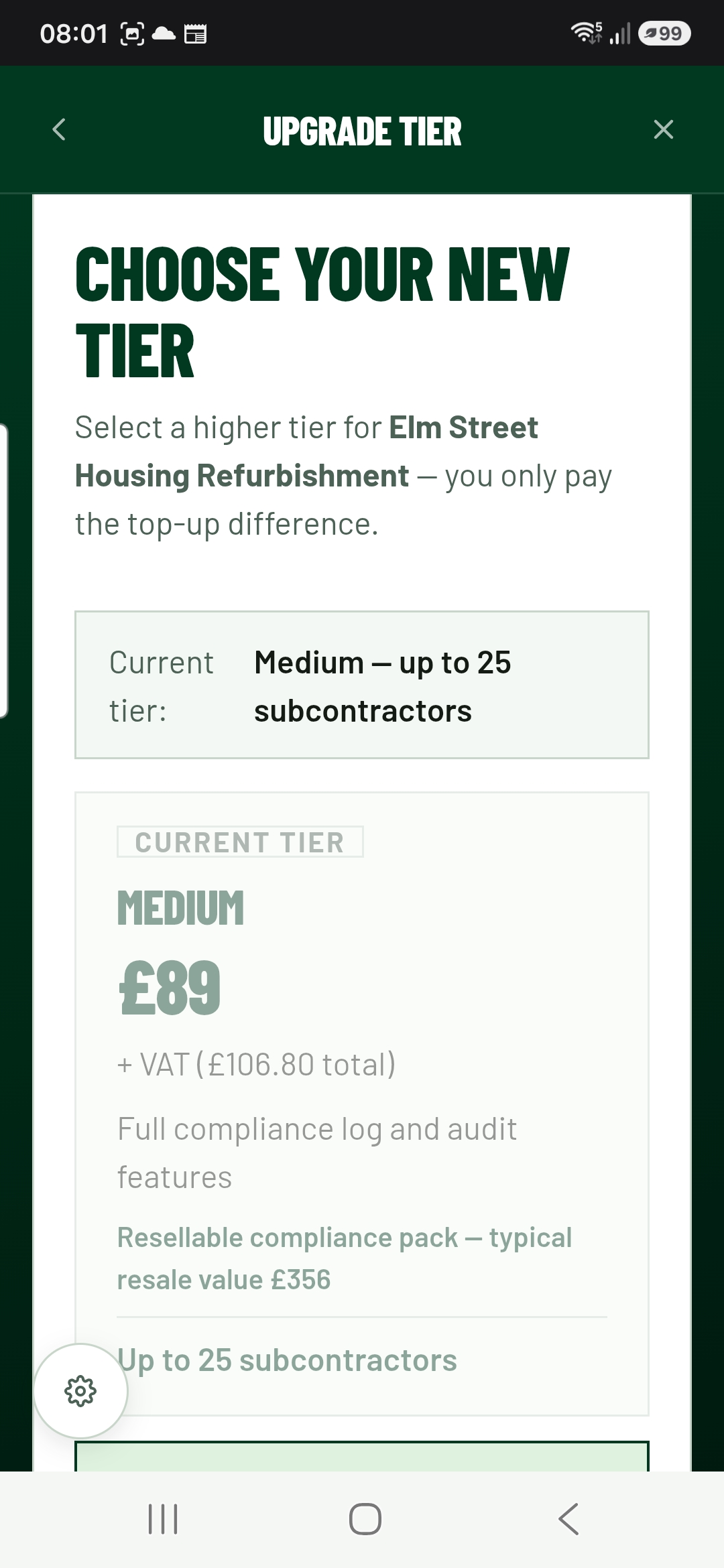
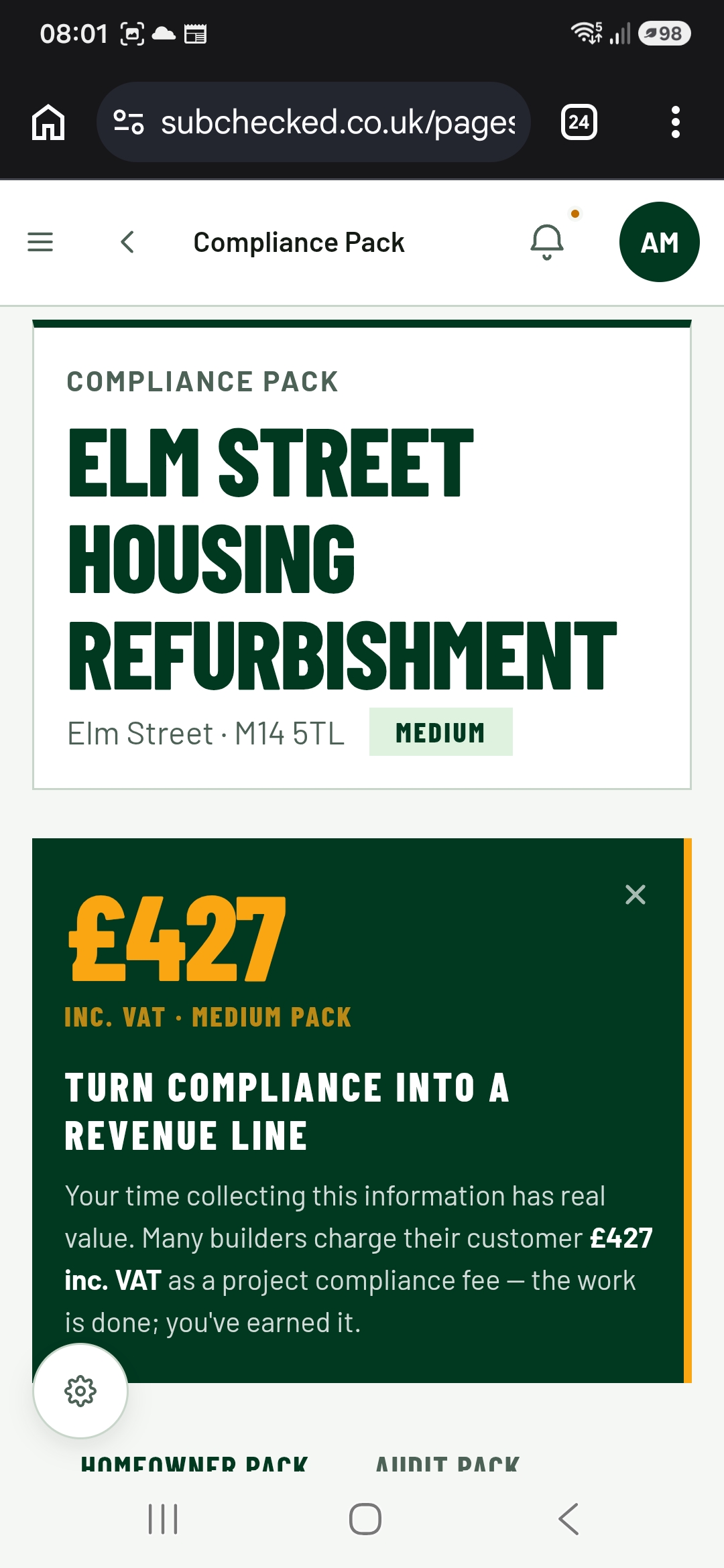
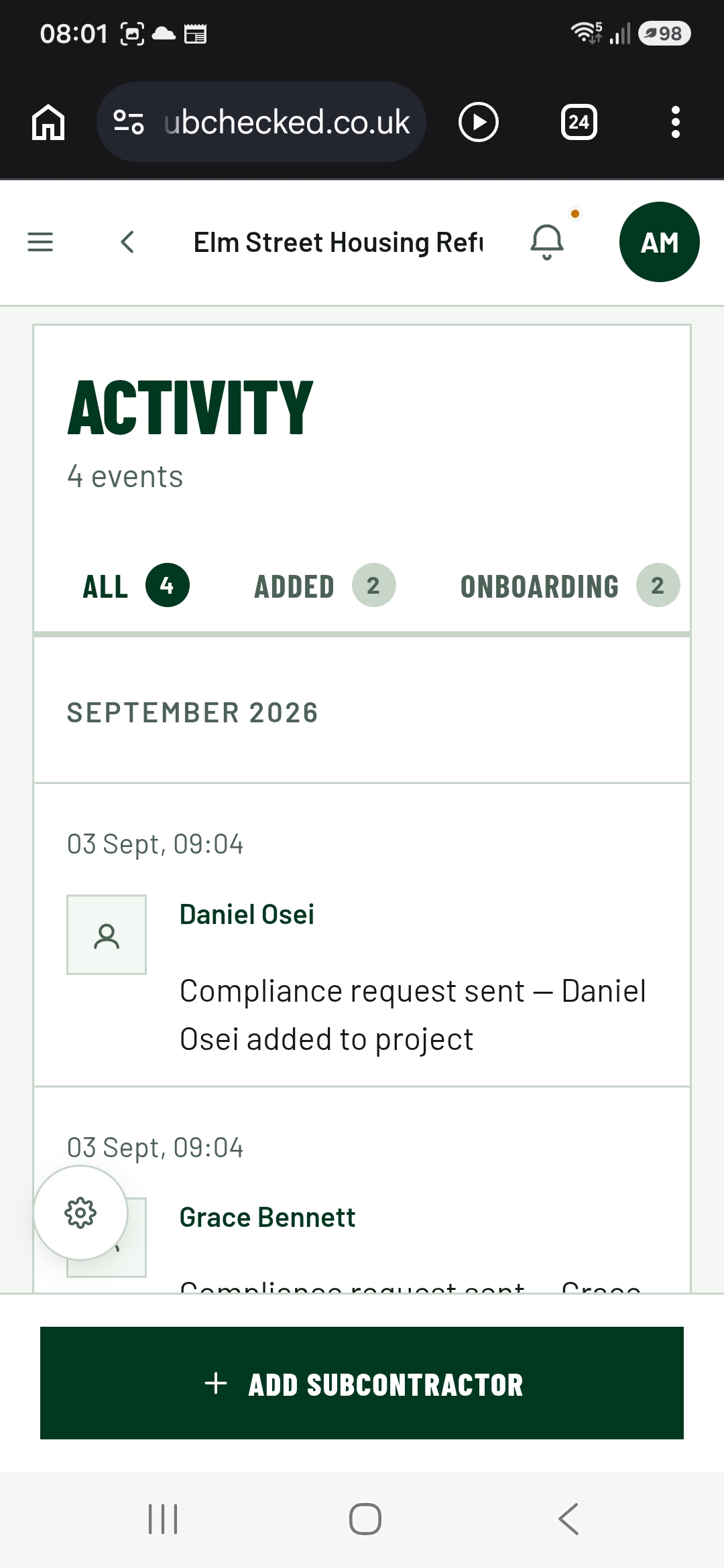
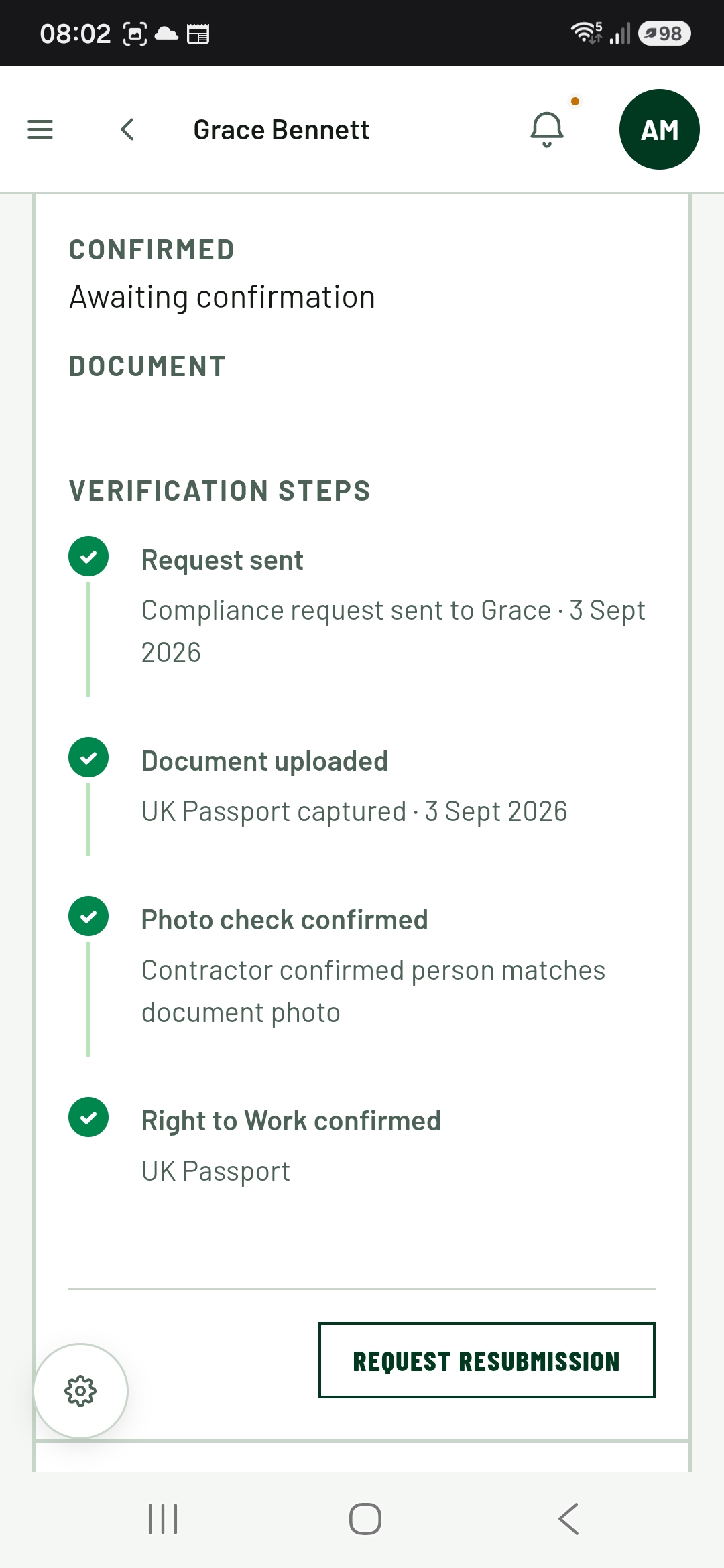
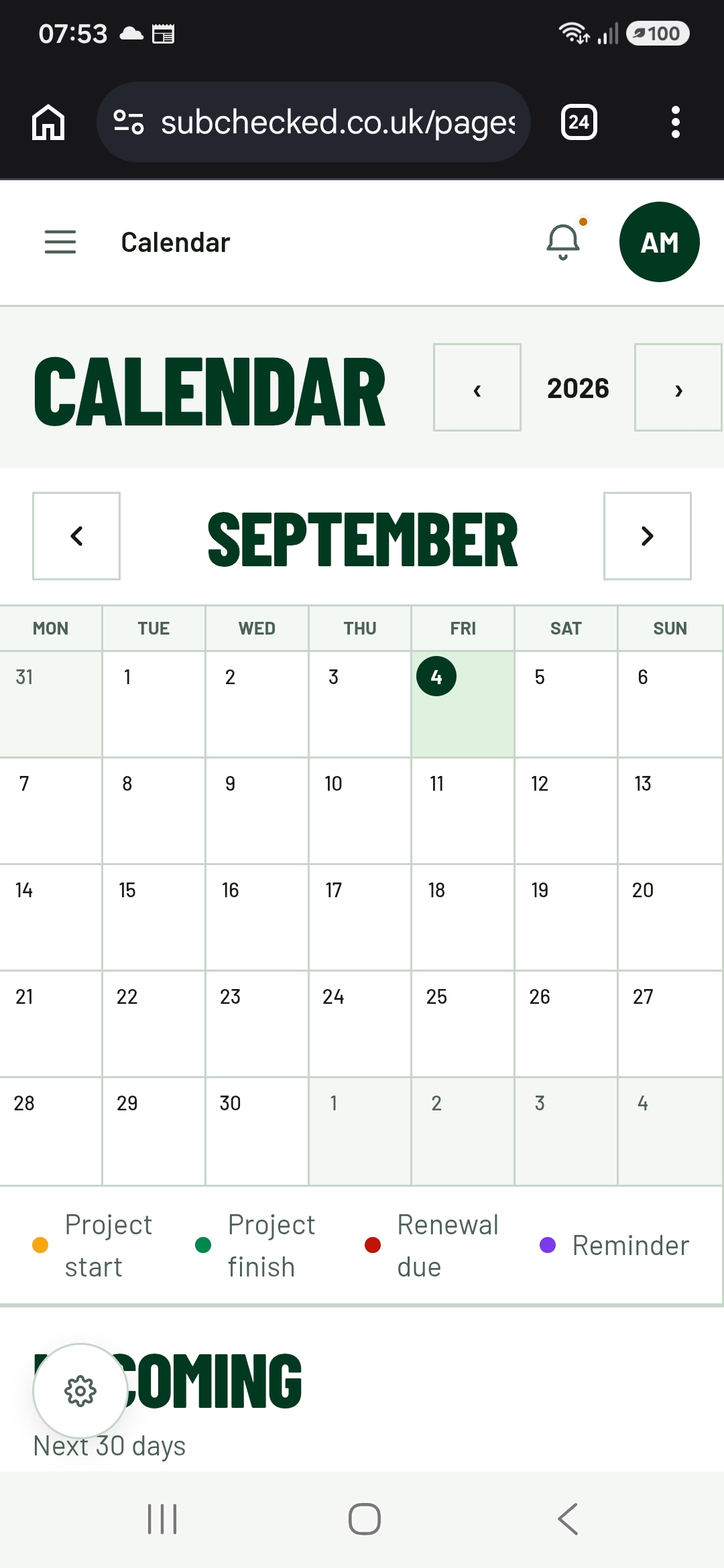
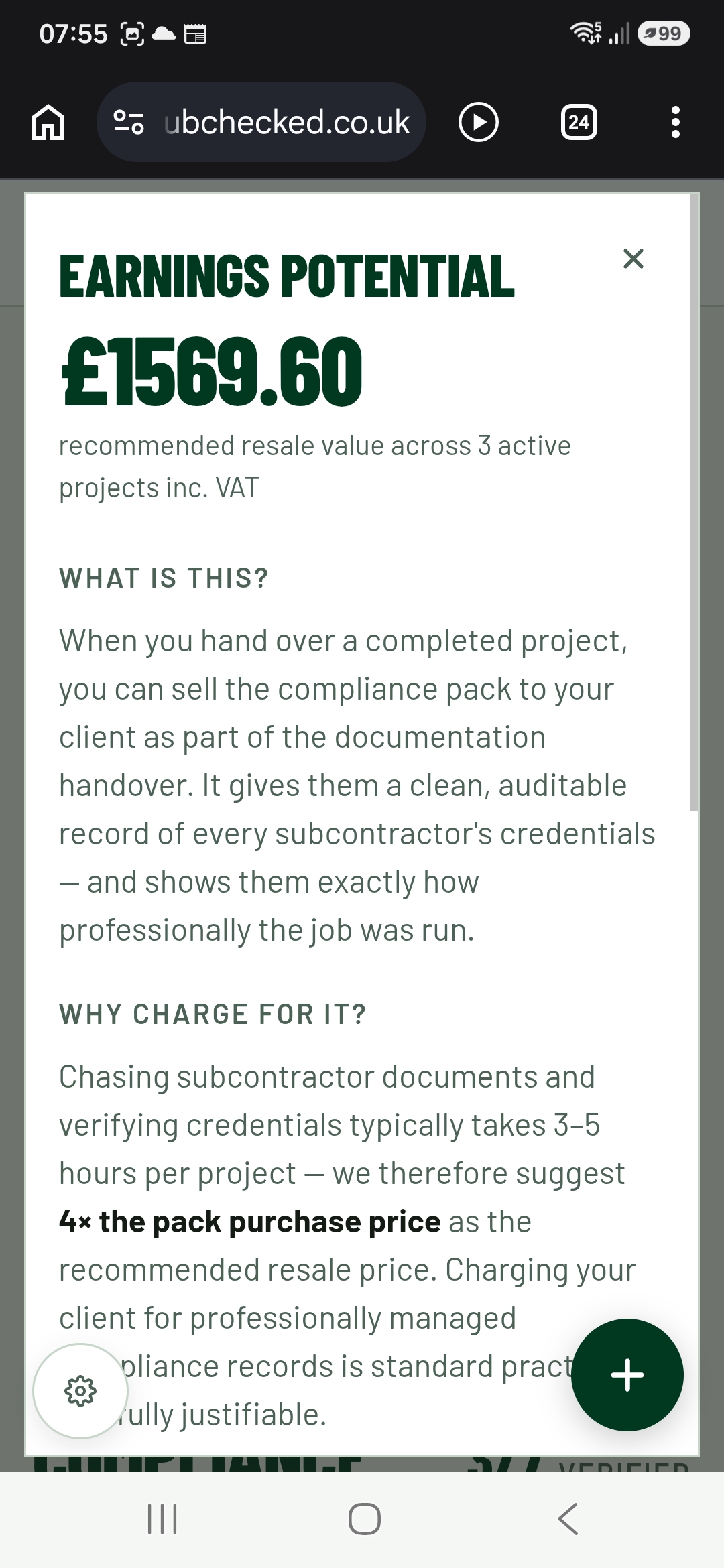
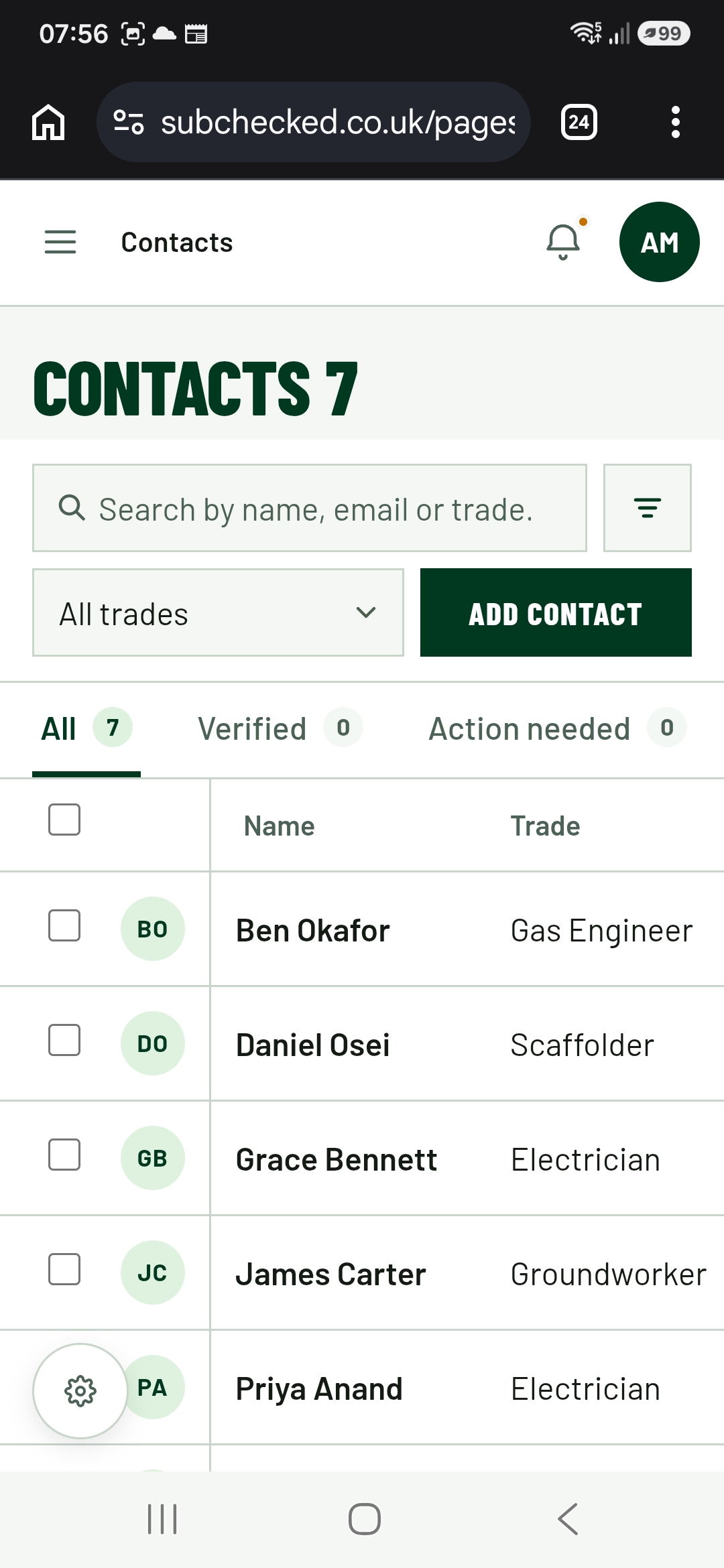
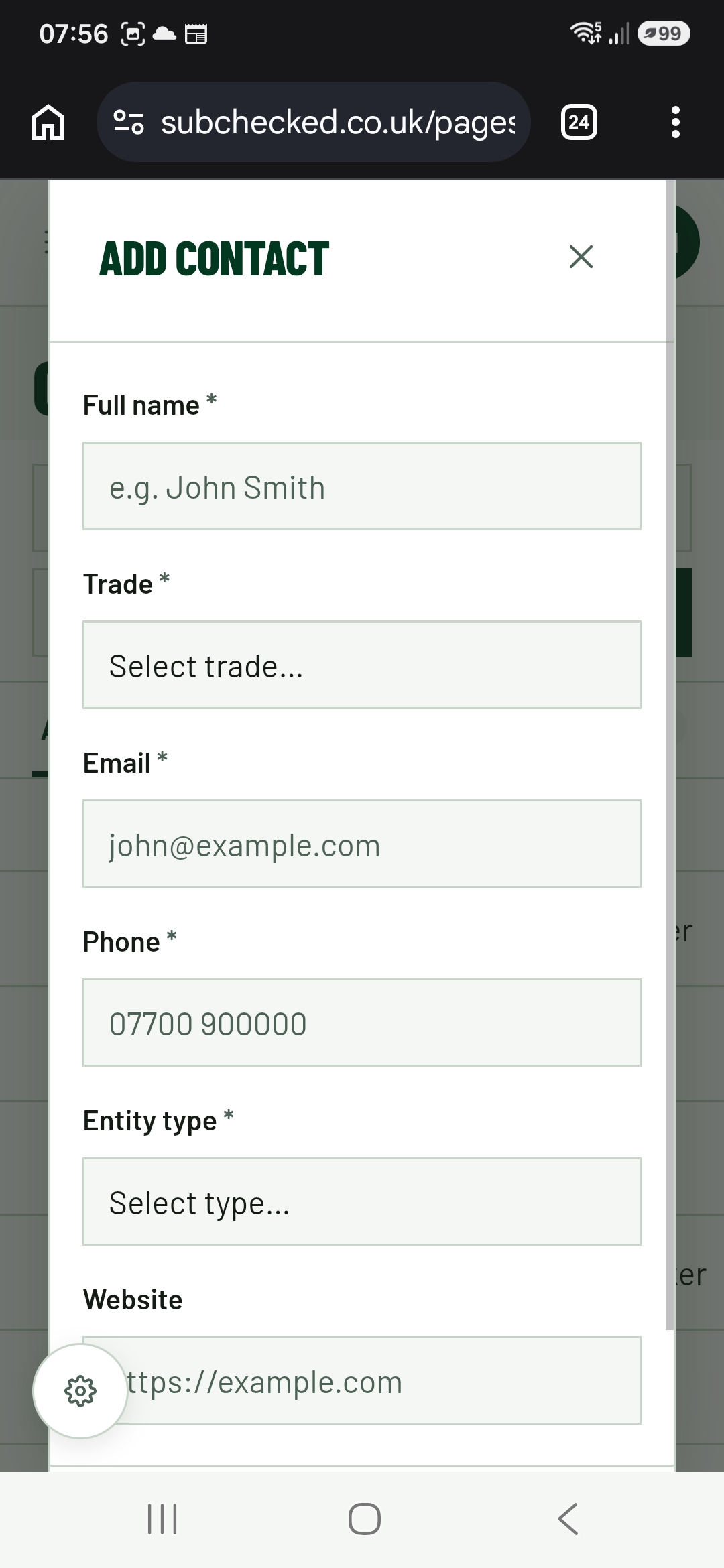
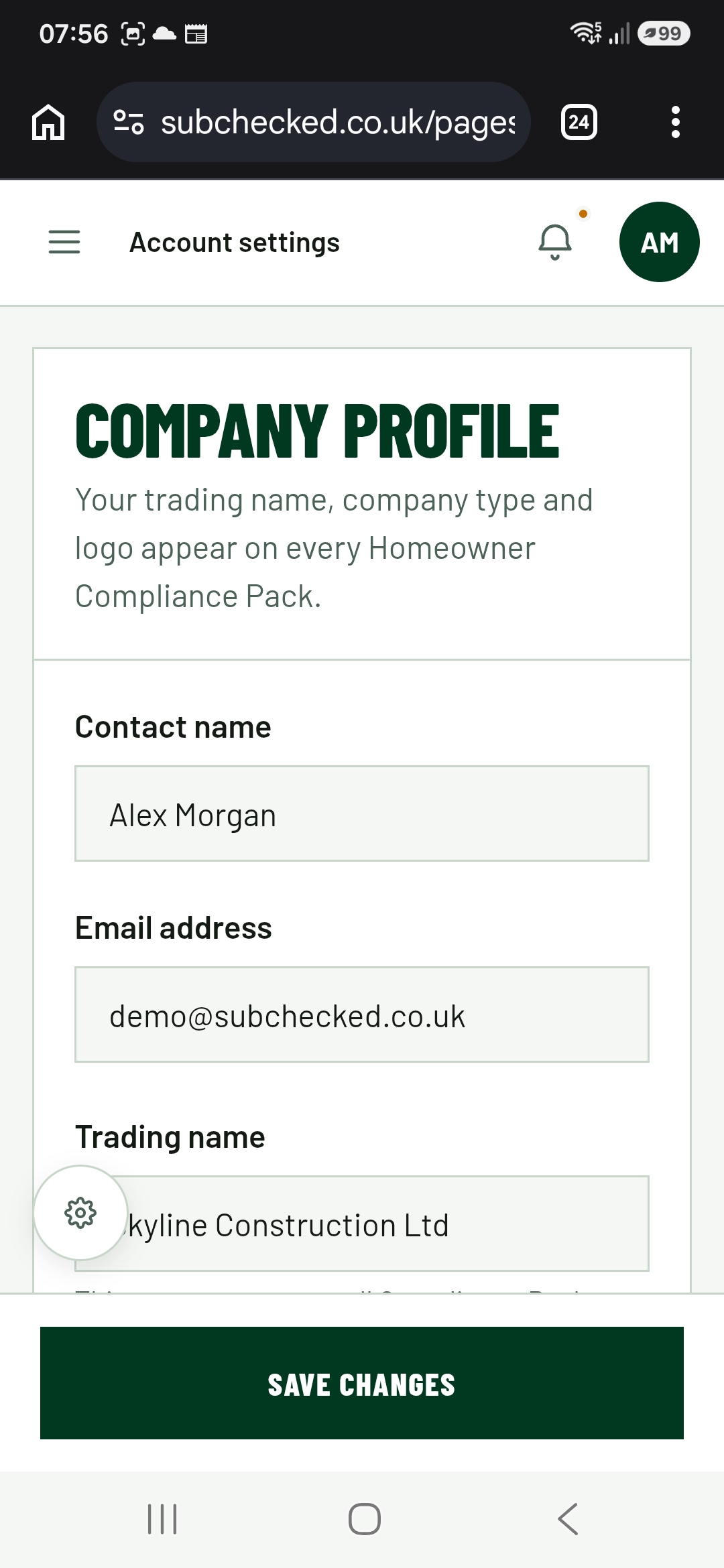
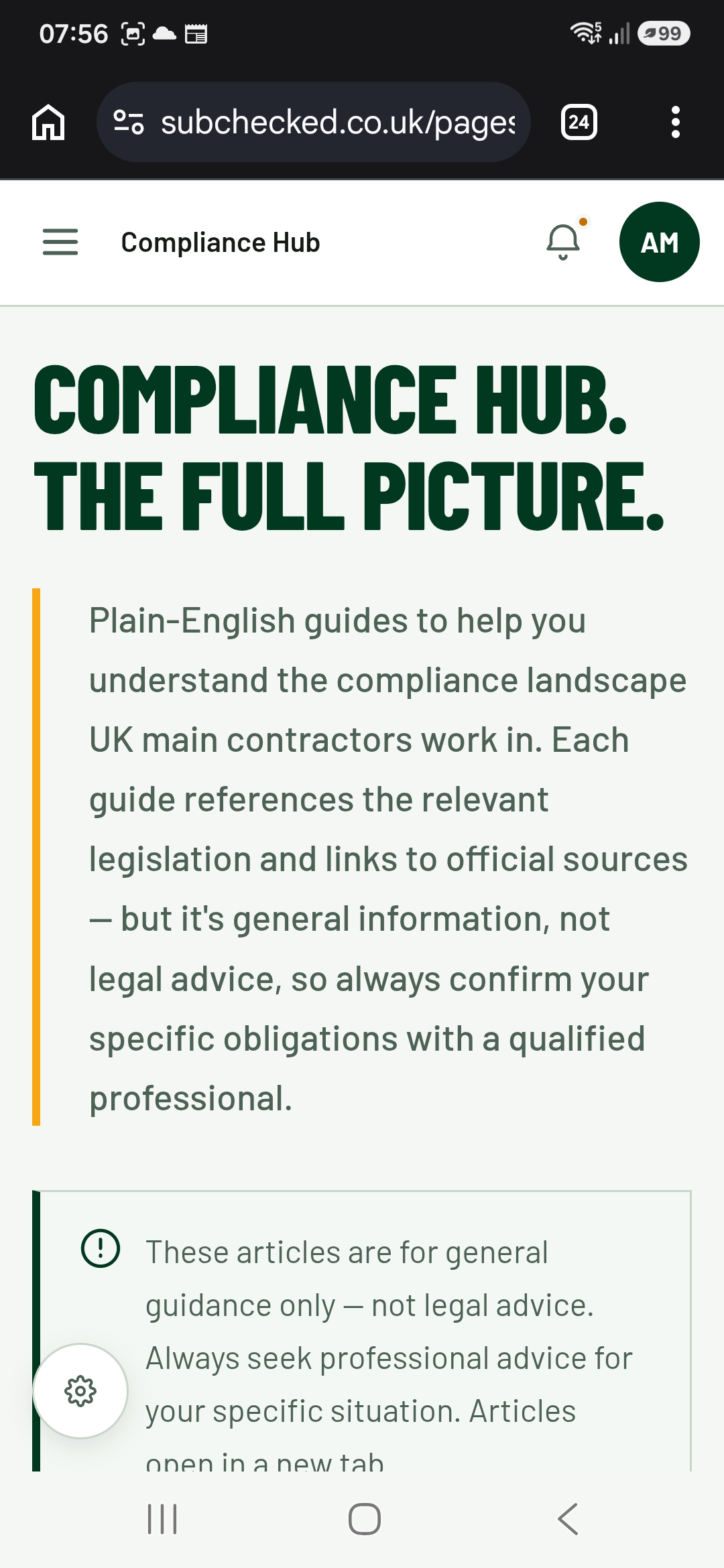
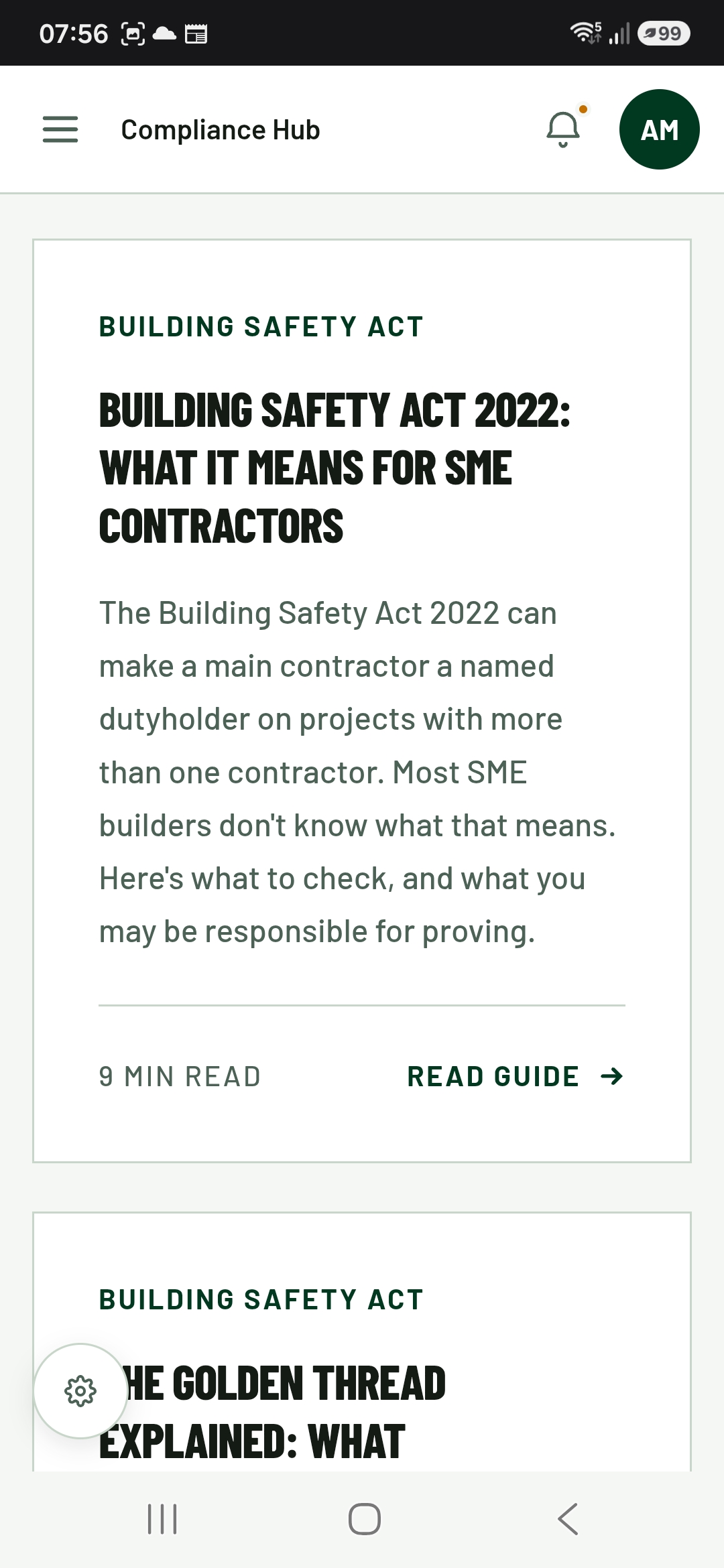
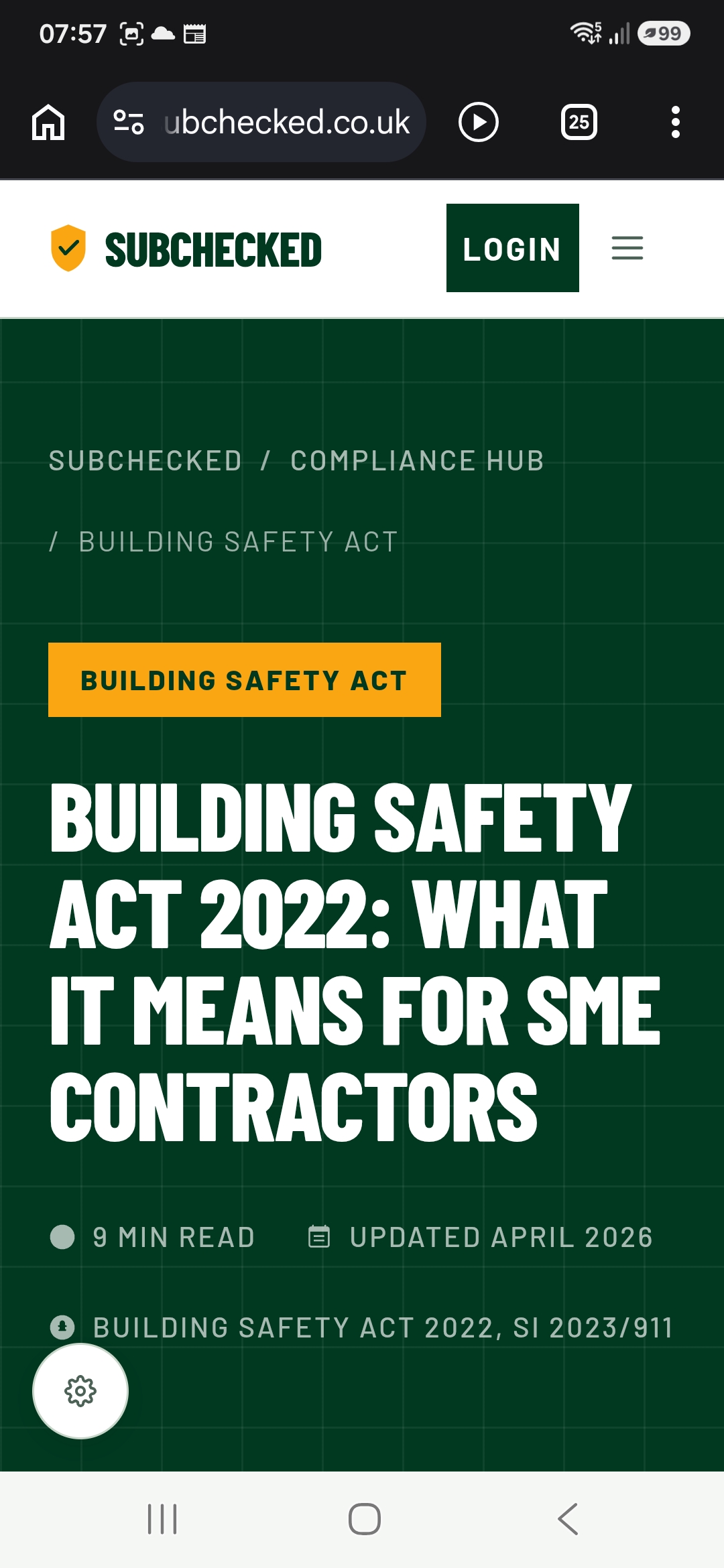
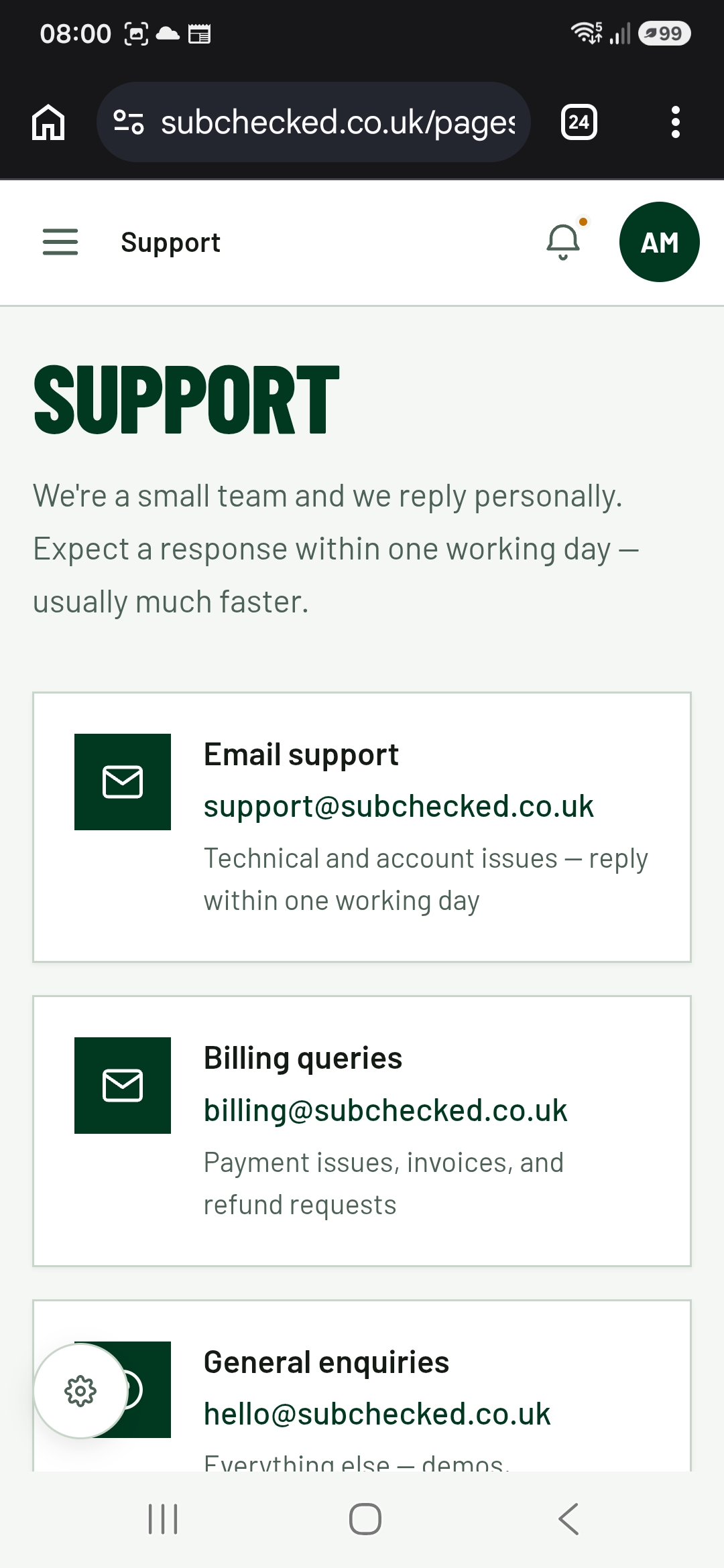
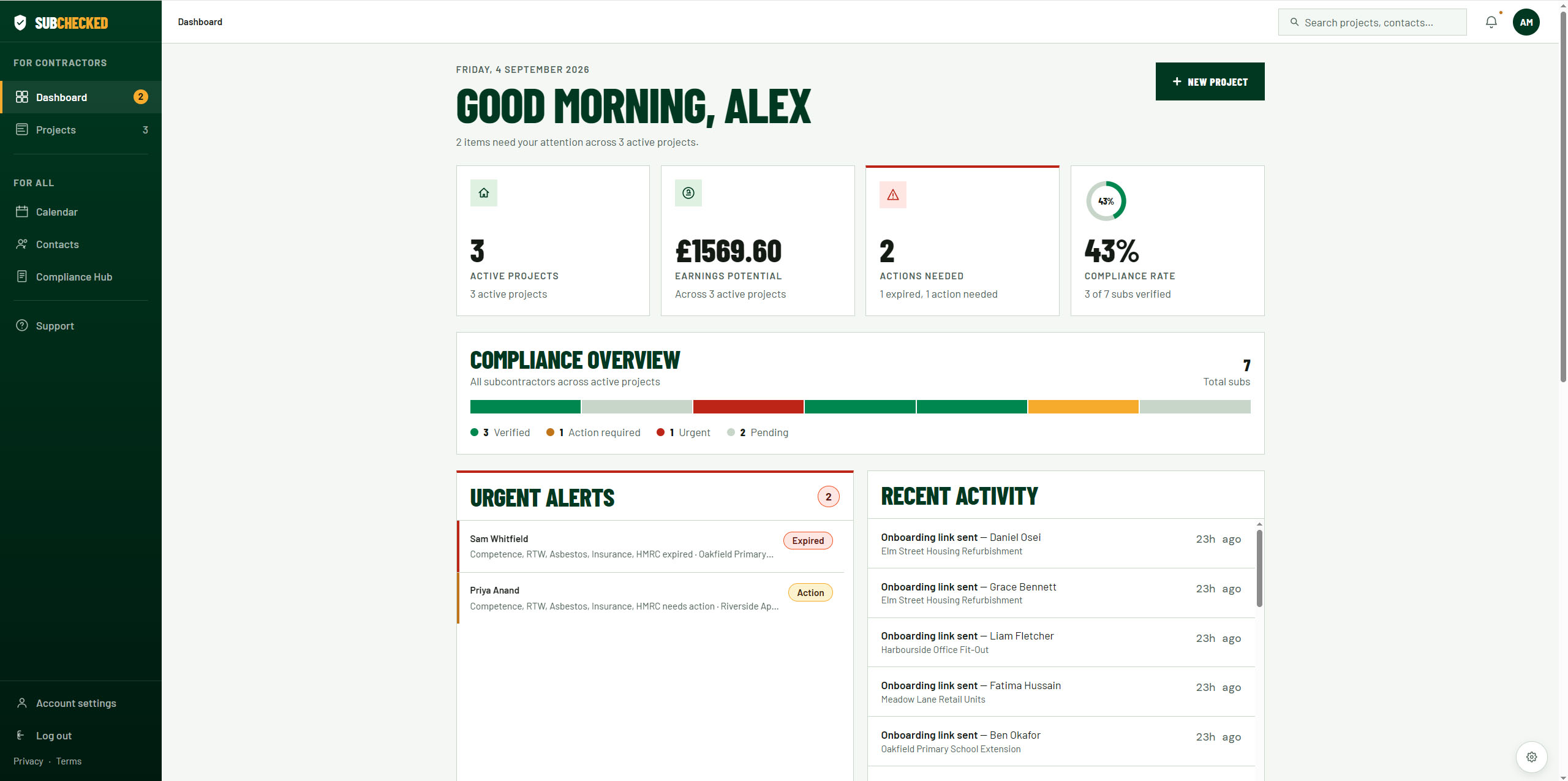
Dashboard screen that gave an overview of the compliance statuses across all projects
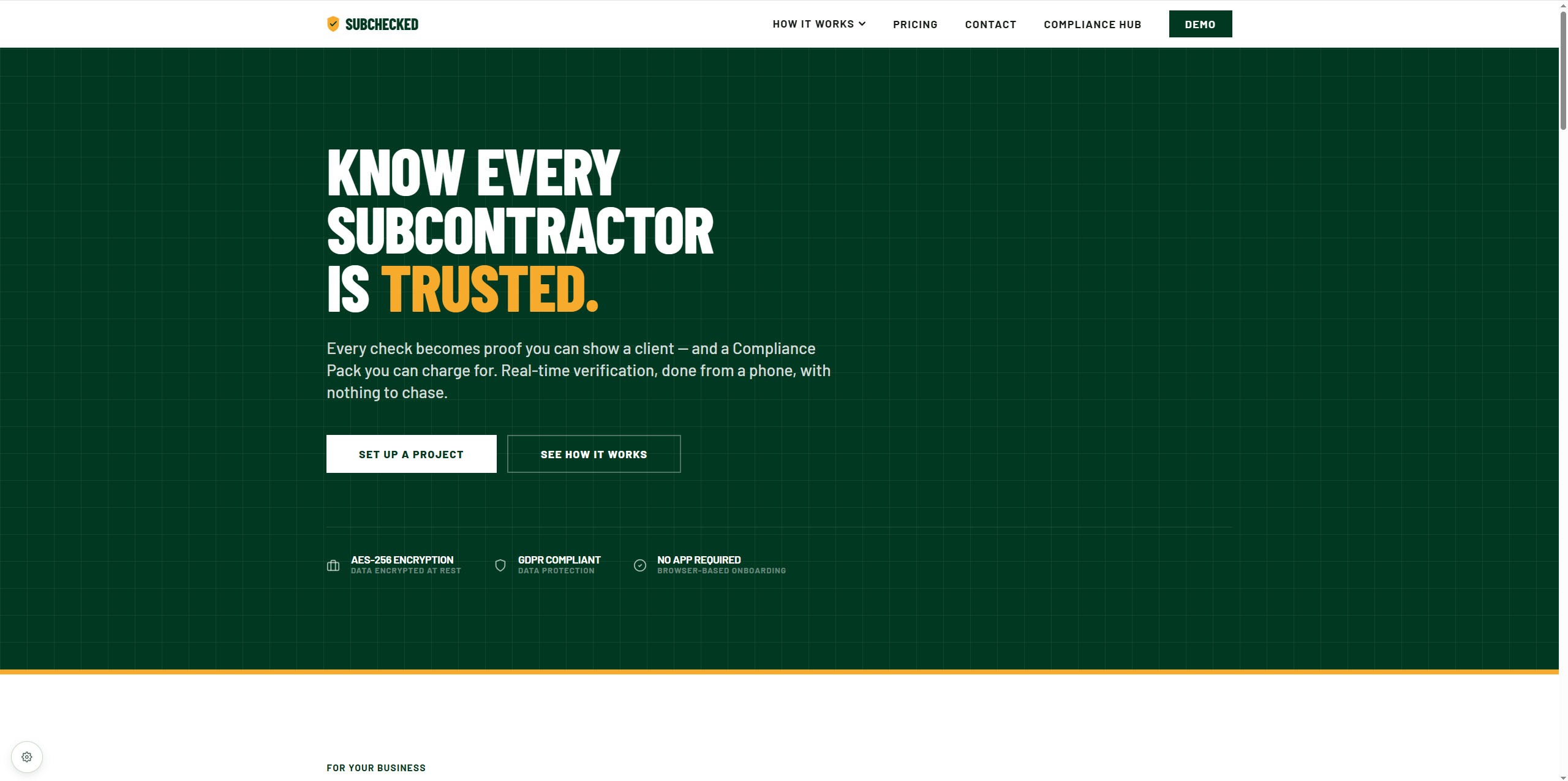
Landing page for marketing and selling the idea to consumers
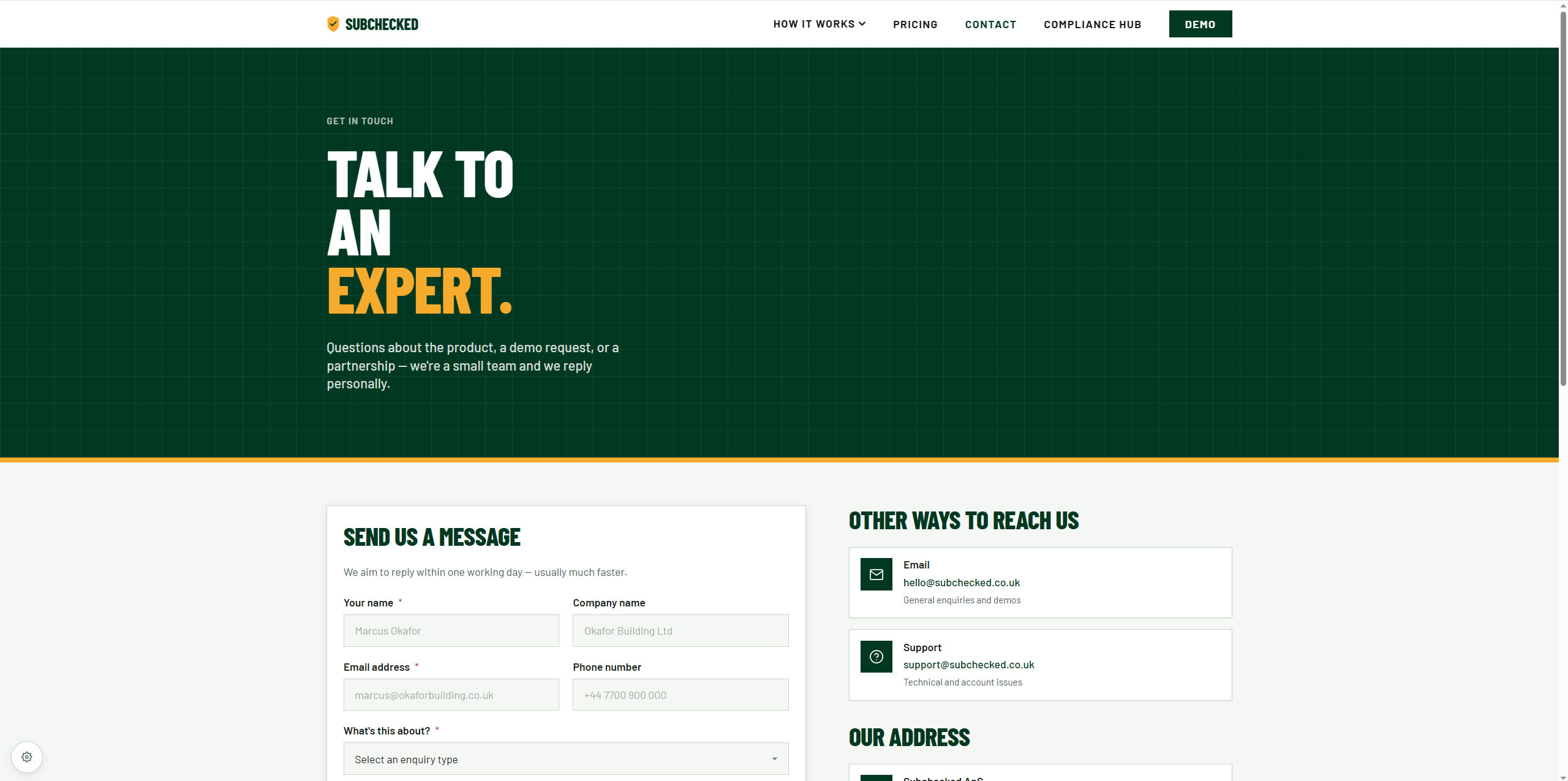
Contact page for any enquiries or questions
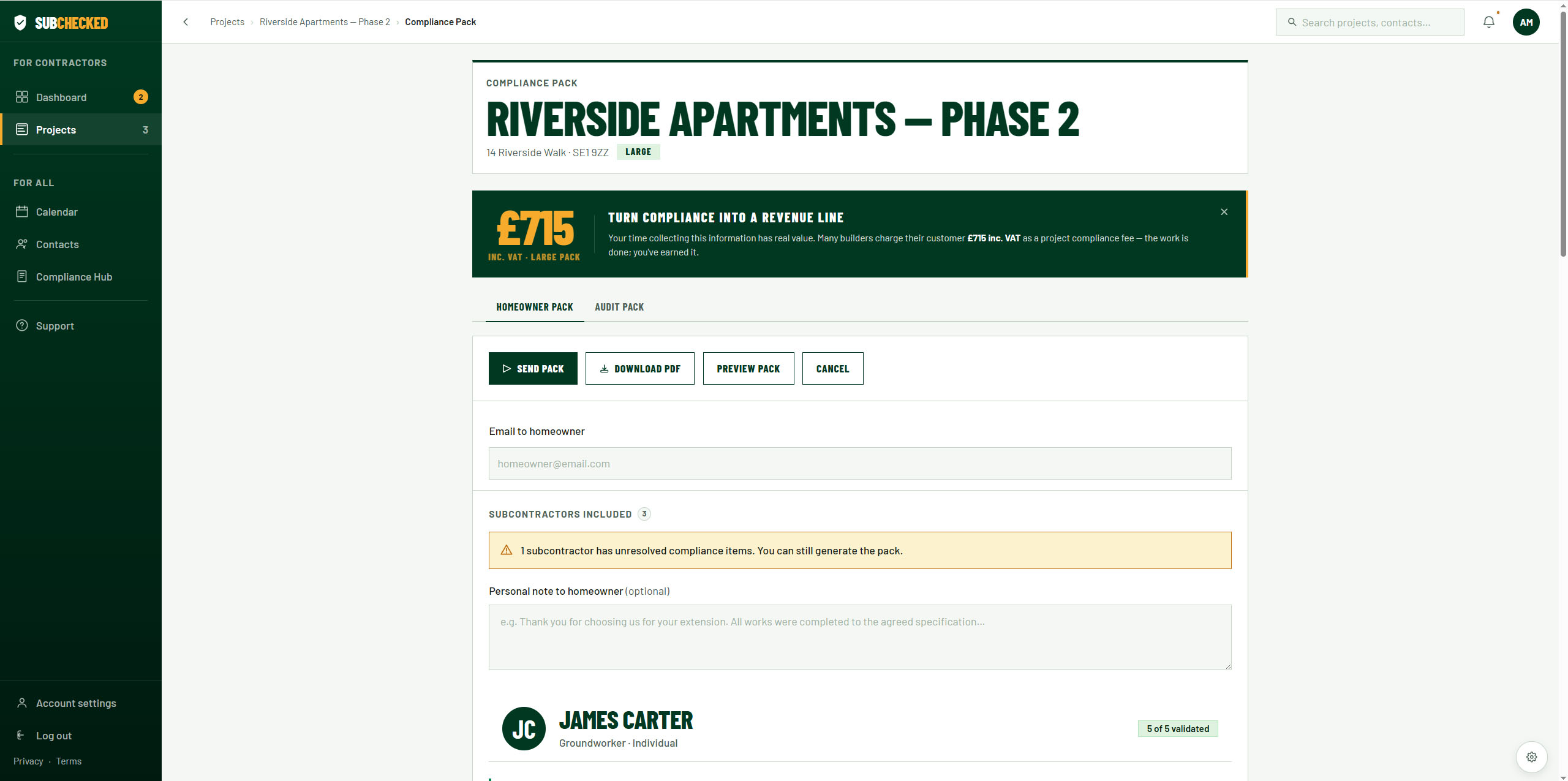
Compliance page for when contractors need to forward the compliance pack to customers and/or authorities for proof of due diligence.
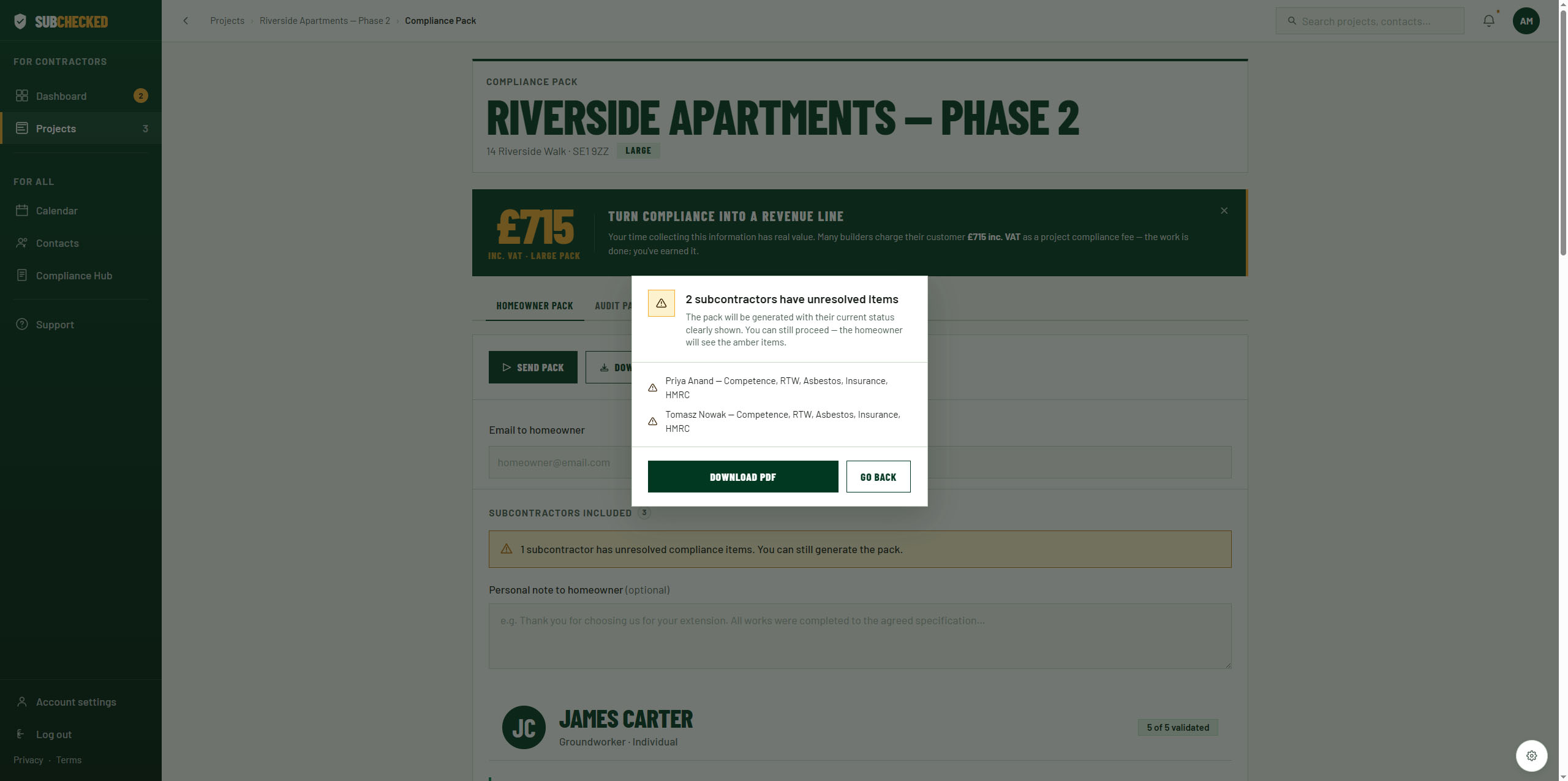
Warning label to make the contractor aware that there are subbies not approved
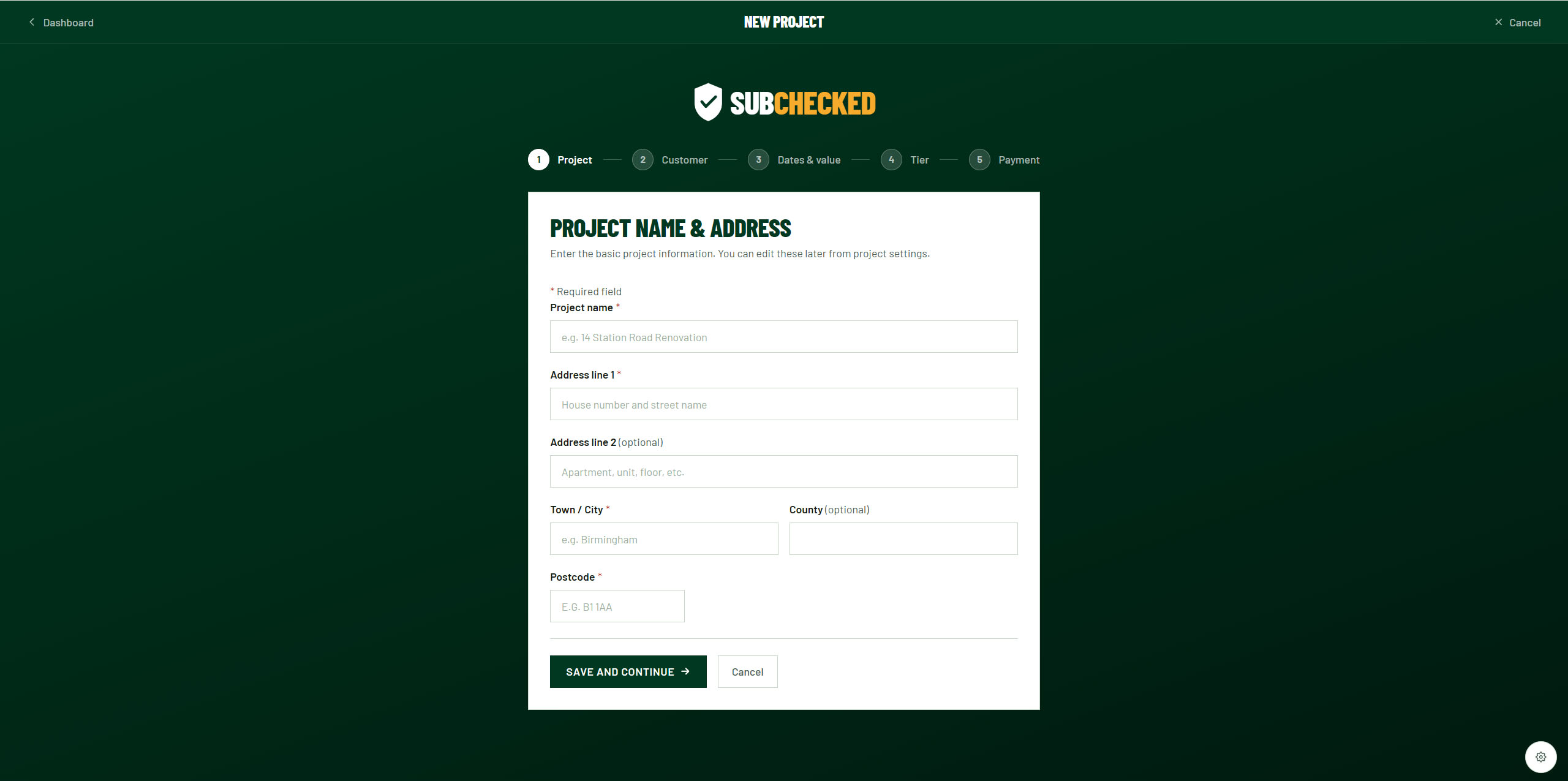
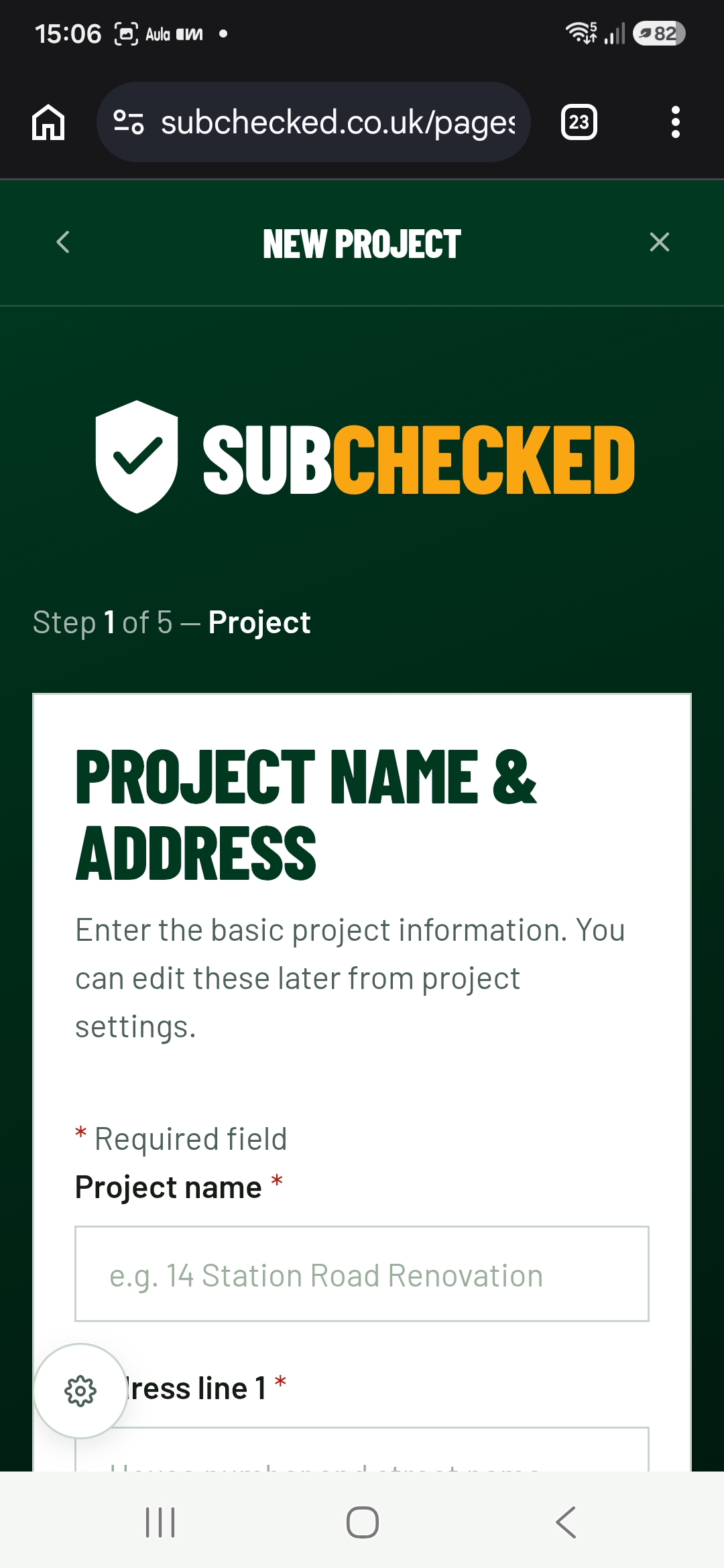
Focused flow for setting up a new project
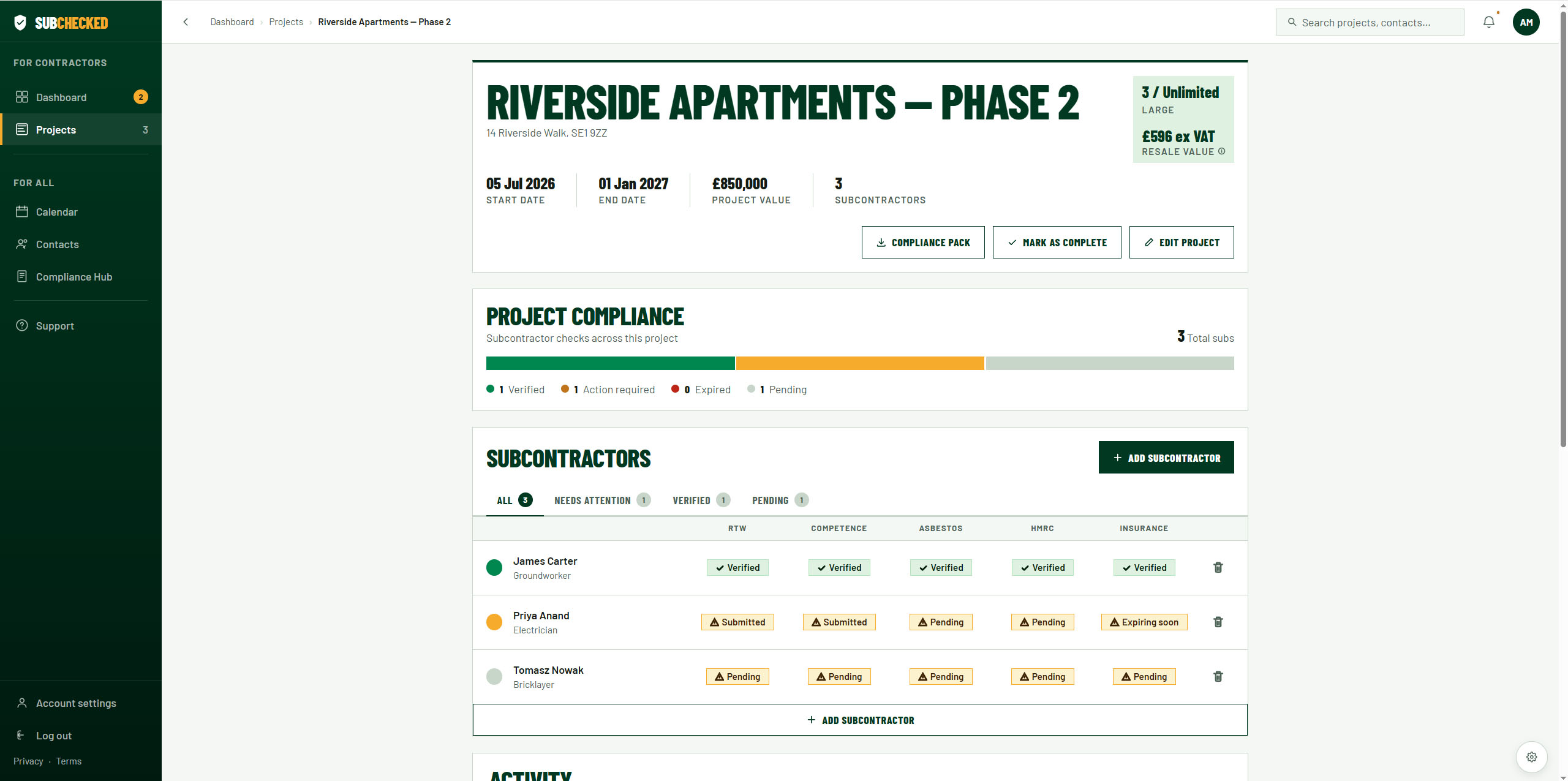
Project overview allowing the contractor to see all the compliance statuses of the subbies working on the job
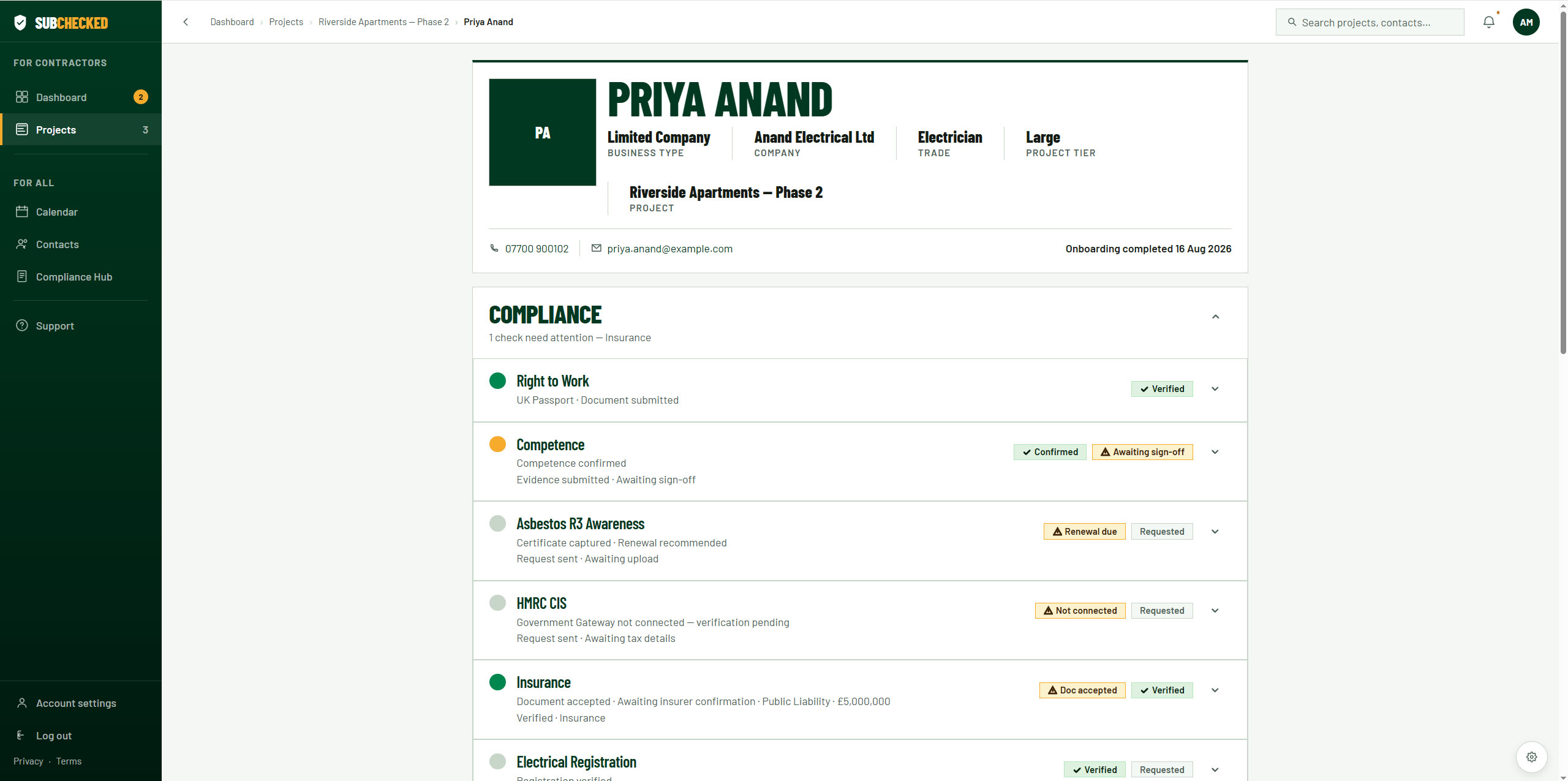
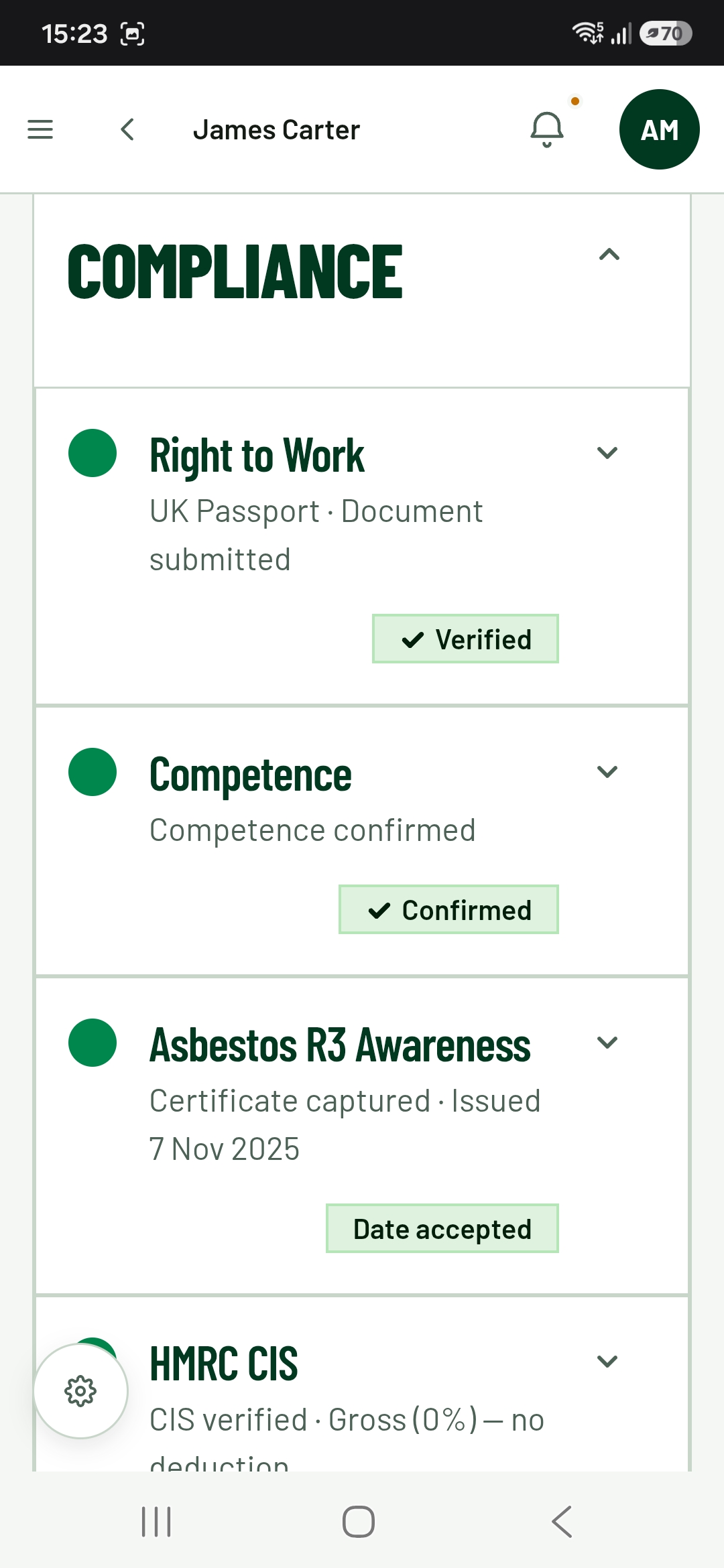
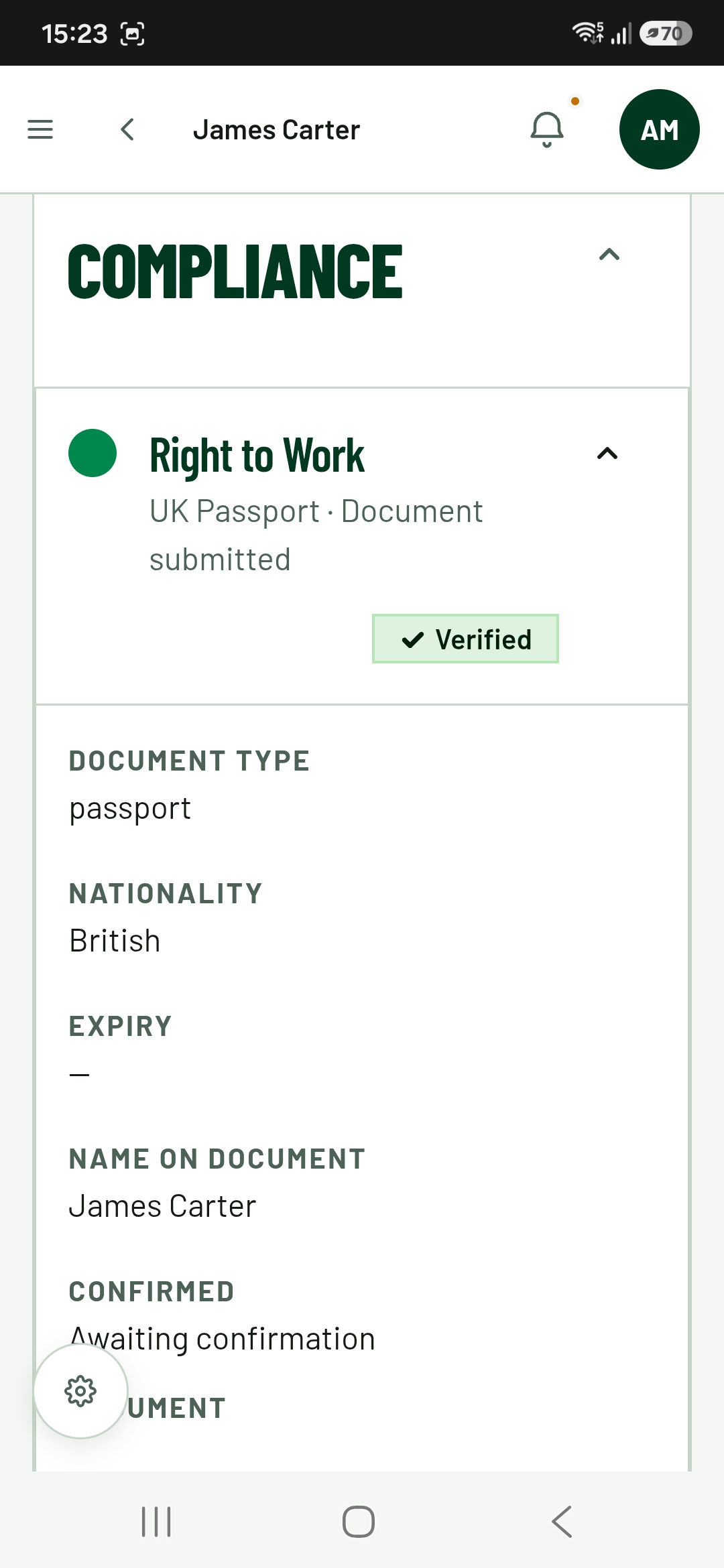
Case detail page showing a breakdown of the compliance of individual subbies and alerts on what needs chasing
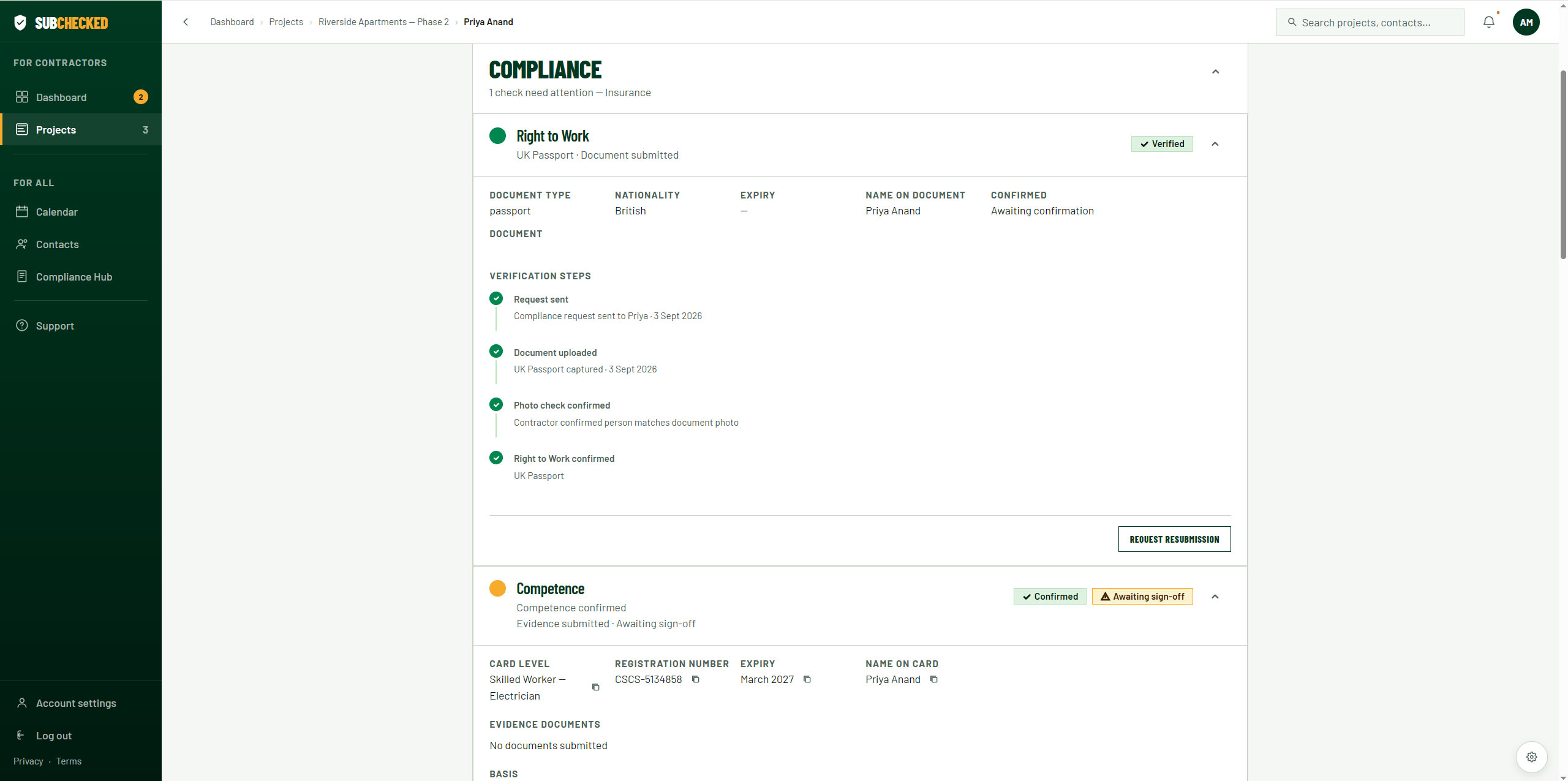
Expanded accordion shows timeline of compliance submissions and statuses
Check out the live demo of the site to see how it worked on both mobile and desktop
View live demoLige nu tilgængelig for freelancejobs og kreative partnerskaber verden over. Lad os bygge noget exceptionelt sammen.